How to Fix Glitchy Smart Home Automations That Keep Fighting Each Other
So, you loaded up your house with smart lights, motion sensors, and hubs expecting a futuristic haven—only to find your living room lights turning on at 2 AM for no apparent reason?
You aren't alone. Many smart home enthusiasts invest heavily in smart gear, only to give up and control everything manually through an app. Statistically, a surprisingly low percentage of smart home owners actually rely on automated routines long-term. Most people get lost in complex setups or get so frustrated by glitchy, unpredictable behavior that they flip the master switch and turn off automation altogether.
Adding more devices is supposed to make your life easier, not give you an endless list of tech headaches. If your smart home feels more like a haunted house, your automation architecture needs a tune-up. Here is a practical, step-by-step guide to untangling messy routines and building a bulletproof smart home.
Why Are Your Smart Home Rules Fighting Each Other?
The most common cause of smart home chaos is having multiple triggers competing for control over the exact same device. For instance, if you have a routine that says 'Turn on living room light at 6 PM' and another that says 'Turn on living room light when motion is detected' without any conditions, your system gets confused. You might manually turn off a light to watch a movie, only for a motion sensor to detect a twitch of your foot and blast the lights back on full brightness.
To fix this, follow the golden rule of smart home design: One Primary Trigger per action, modified by Conditions (AND gates). If 'Motion Detected' is your trigger, add sub-conditions like 'ONLY IF illuminance is below 10 lux' AND 'ONLY between sunset and midnight.' Pro tip: add a brief 2-second delay between complex command chains to prevent platform latency from causing skipped steps.
[The Rookie Mistake] Forgetting Manual Overrides
One of the biggest oversights in routine building is failing to account for manual user input. If you manually turn off a light using a smartphone app or a smart wall switch, your automation should temporarily back off. Without a 'manual override' condition (or a delay timer), you will turn off the light, walk toward the bed, and instantly get blinded because the motion sensor saw you move and triggered the light back on.
Why Geofencing Fails When You Arrive Home
Relying solely on your phone's GPS for presence detection is a recipe for disappointment. Thanks to location drift and cell tower handoffs, your system might think you returned home while you were just driving past the neighborhood, firing up appliances unnecessarily. Worse, you might unlock your front door and stand in the dark for two minutes waiting for your phone's location ping to catch up.
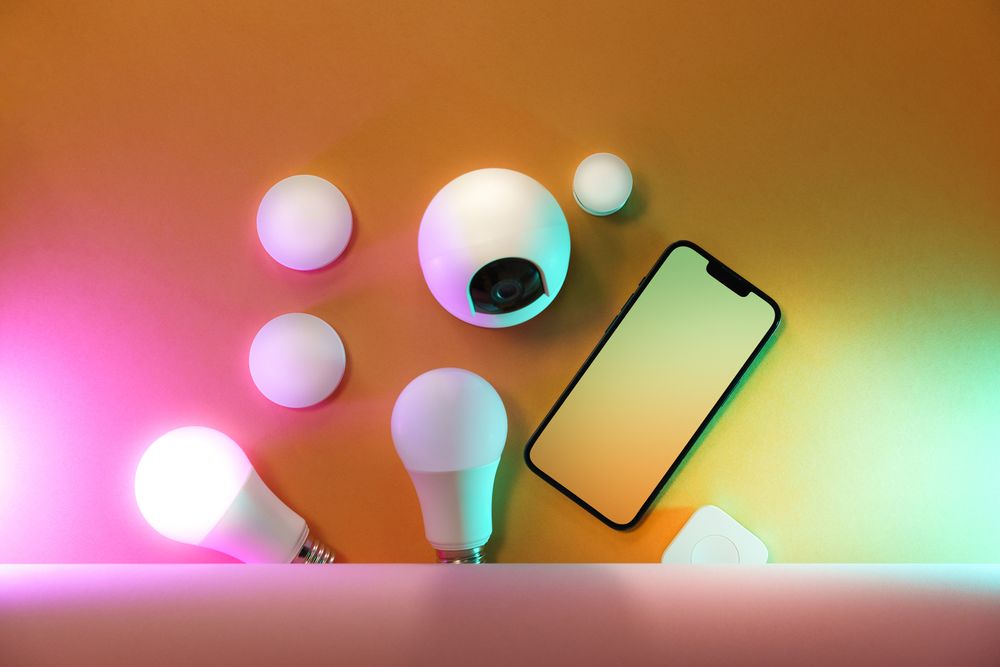
To eliminate location false-positives, implement multi-factor presence sensing. Instead of relying on GPS alone, trigger a 'Welcome Home' scene only when three things happen in sequence: your front door contact sensor opens, the hallway motion sensor picks up movement, and your smartphone connects to your home Wi-Fi network (tracking its MAC address). This prevents ghost triggers, saves standby power, and trims your electricity bill.
Too Many Conditions? Enter Virtual Switches
Real life doesn't always fit into rigid logical parameters. Late at night, you might be binge-watching a movie, or you might actually be heading to bed—and your lighting needs for those two scenarios are completely different. When standard sensor logic isn't enough, 'Virtual Switches' are your best friend.
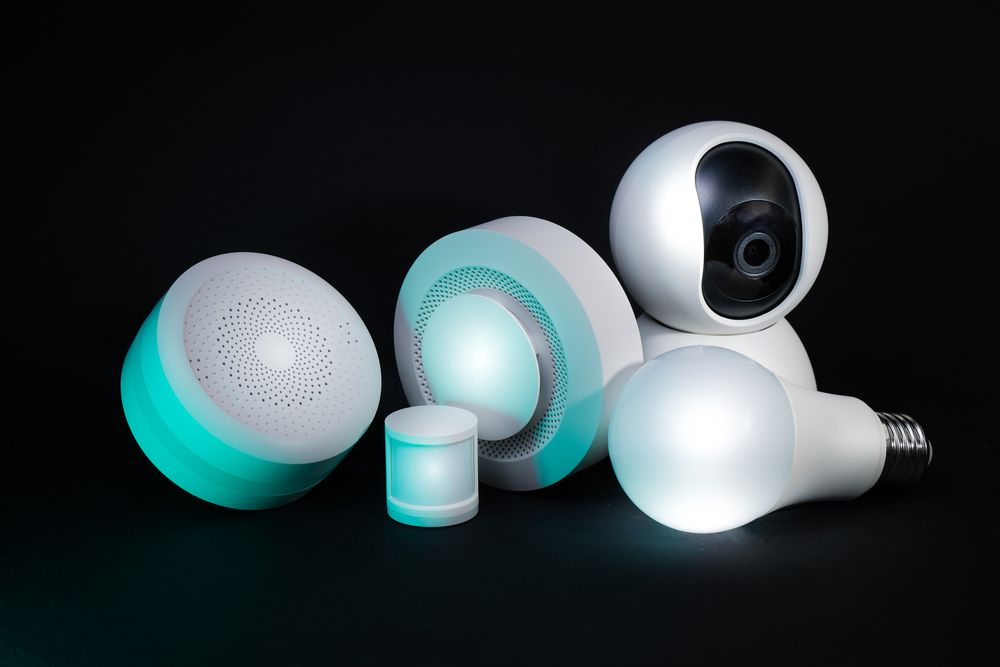
A virtual switch is a software-based toggle inside platforms like SmartThings, Home Assistant, or Apple Home. It acts like a real switch, but exists only as logic. You can create a virtual switch named 'Movie Mode.' When flipped ON, your motion-triggered automations automatically pause. This puts control back in your hands, giving you a smart home that adapts to your life rather than forcing you to adapt to your sensors.
Protocol Troubleshooting Checklist
Depending on the wireless protocol your devices use, automation failures usually stem from specific root causes. Here’s what to inspect:
- Zigbee / Z-Wave (SmartThings, Home Assistant, Hubitat): Ultra-fast and reliable, but routing tables can break after hub updates. If devices drop off, reboot your hub or perform a 'Zigbee Network Rebuild' to force devices to rediscover optimal mesh routing paths.
- Wi-Fi Devices (Tuya, Smart Life, TP-Link): Great entry point, but cheap home routers choke when handling 20 to 30+ connected IoT devices. Ensure you isolate your smart home gear onto a dedicated 2.4GHz Wi-Fi network and check for channel interference.
- Bluetooth / Matter over Thread: Bluetooth has limited range. If a device is placed behind thick walls, commands will drop. Ensure you have a Bluetooth Gateway or Thread Border Router plugged in nearby as a powered bridge.
Maintaining Your Setup After Hub and OS Updates
Whether it's an iOS update, a SmartThings hub firmware bump, or a Home Assistant core update, system upgrades have a habit of breaking variable pathways. When a perfectly fine routine suddenly stops working, it’s rarely a dead device—it's usually a reset variable or changed entity ID.
Treat your smart home like a car: it needs occasional routine maintenance. Once a month, skim through your automation logs. Prune ghost rules, delete unused triggers, and fix broken entity links. A quick clean-up keeps network traffic low and keeps your automations running smoothly 24/7.