Is Your Home a Target? 5-Minute Hacks to Secure Your Space Before You Leave
Still Using the Same Old Door Lock Code?
Busy packing for your getaway? Don't forget the most important step: fortifying your home. Did you know that the wear patterns on your door lock buttons can give away your most-used digits? Changing your PIN every three months is a baseline move, but you should also start using the 'dummy digit' feature. By entering random numbers before or after your actual PIN, you smudge your fingerprints and confuse anyone trying to guess your code.
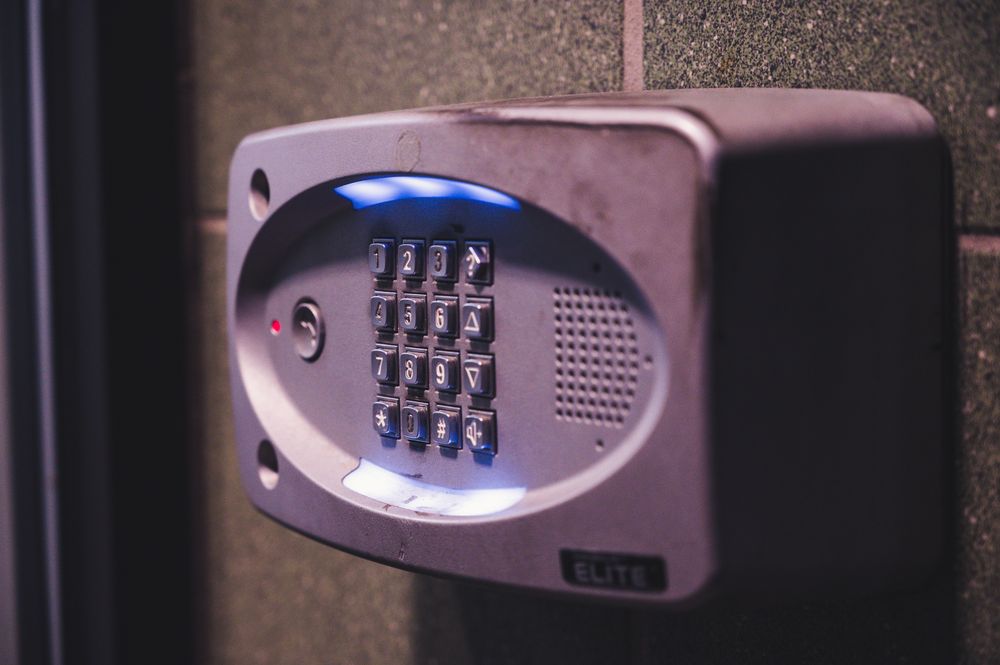
Oh, and one more thing: your emergency key. Please, stop hiding it in the shoe rack near your front door. You’re basically leaving a welcome mat for burglars. Keep that key somewhere safe—far away from your house.
Is Your Router an Open Door for Hackers?
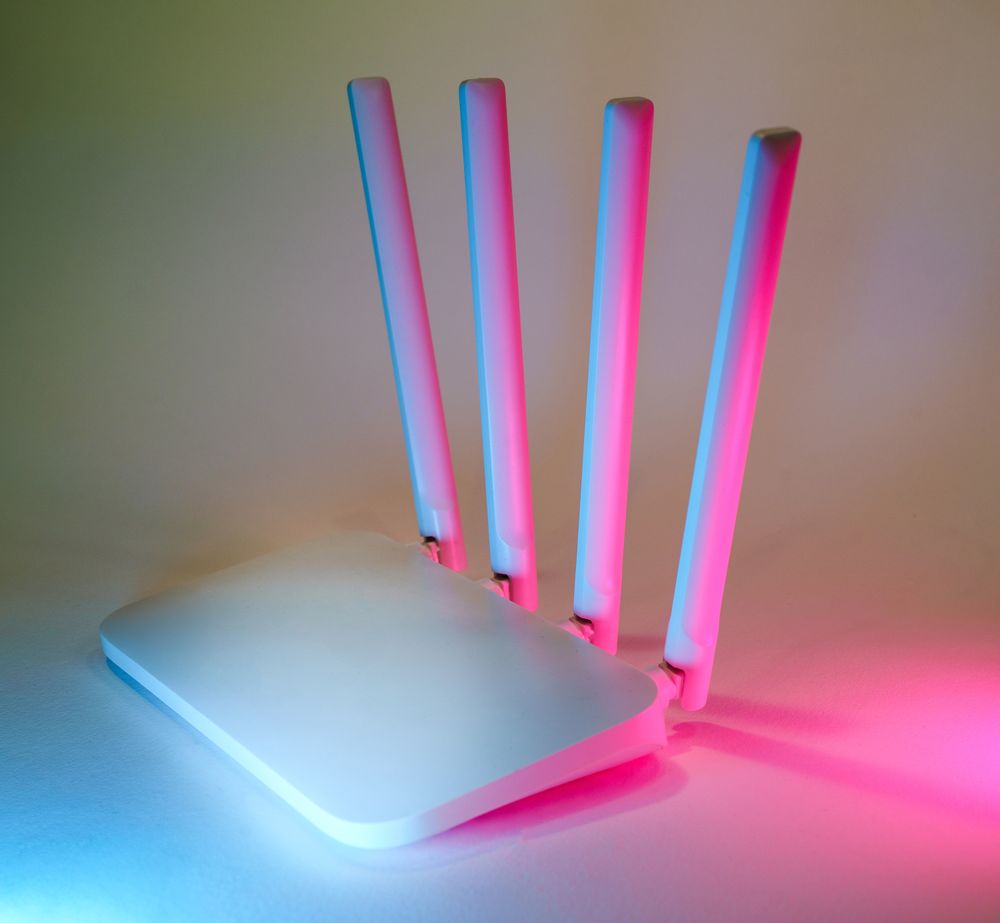
Every smart device in your home connects through your router. If that gets compromised, your entire digital privacy is at risk. Log into your router’s admin page right now and change that default 'admin' username. Also, set your firmware to update automatically; it’s a quick win that patches most common security vulnerabilities.
The Paradox of Home CCTV and Social Media
That pet cam you bought for peace of mind? If hacked, it can broadcast your private life to the world. Enabling two-factor authentication (2FA) is no longer a suggestion—it’s a must. And when you’re not using it, the old-school method of physically covering the lens remains the most effective. Also, be careful with those 'live' vacation updates; you're just broadcasting to the world that your home is officially empty. Those vacation photos will look just as good once you’re safely back home!
Master the Art of Looking 'At Home'
A house that stays dark all night is a clear target. Use a smart plug to set your lights or TV to turn on and off automatically in the evenings. Creating the illusion of occupancy is a fantastic deterrent. Throw in a couple of cheap window locks, and you’ll gain a massive boost in peace of mind. Check these off your list before you head out, and enjoy your trip worry-free!
Just Moved In? Do a Full Security Reset
Before you unpack a single box in a new place, wipe the previous resident's digital footprint. You have no idea who still knows the door code—the last tenant, their relatives, or anyone who toured the property.
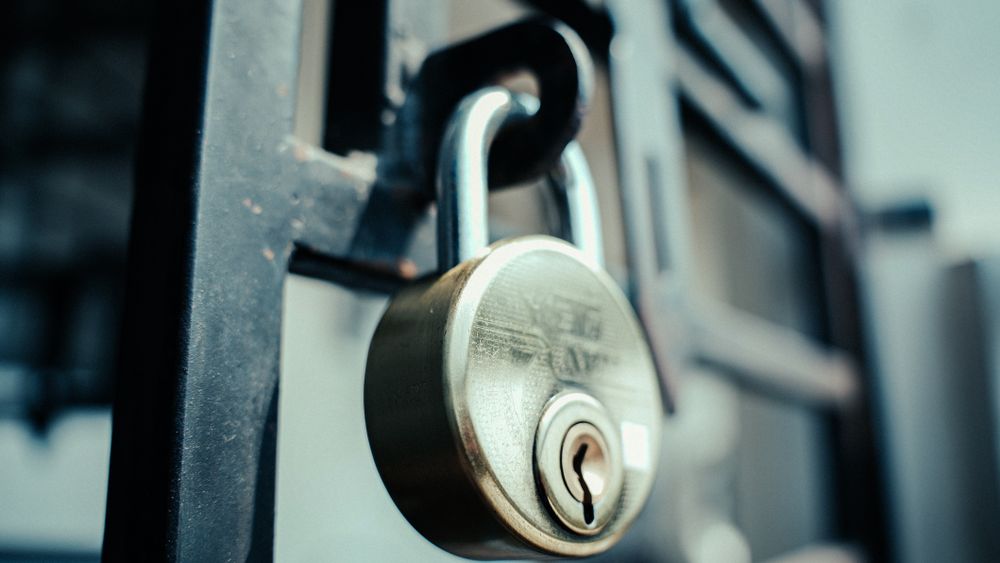
- Factory-reset the smart lock: Don't just change the PIN. A full reset wipes every registered fingerprint, key card, and paired phone, not just the code.
- Re-register from scratch: After the reset, enroll only your household's fingerprints and cards, then confirm the number of registered credentials matches your family headcount.
- Reset any inherited router: If the previous resident left their router behind, factory-reset it and set a fresh admin password and Wi-Fi key before connecting anything.
- Assume a spare key exists: The old tenant may have hidden an emergency key somewhere. Resetting key registration—or replacing an aging lock entirely—is the only sure fix.
Don't Forget the Intercom and Video Doorbell
People secure their routers and cameras but walk right past the wall-mounted intercom or video doorbell every day. These devices often have a camera and microphone of their own and sit on your network around the clock. Cover the indoor camera with a sticker or slide cover when you're not using it, change any default access code in its settings menu, and keep its firmware updated through the companion app. If your unit is tied into a building-wide system, ask your building management whether it receives security updates—that part usually isn't something individual residents can patch themselves.
Everyday Habits That Give Away Your Address
Even a fortified home leaks information through casual habits. A few common slip-ups: meeting online marketplace buyers at your front door (you've just shown a stranger exactly where you live—meet at a busy public spot instead), posting photos where the view from your window, a building sign, or a license plate can pinpoint your location, and tossing out delivery boxes with the shipping label still attached. Peel off or black out labels showing your name and address, and remember that a pile of untouched packages at the door is itself a flashing "nobody's home" sign.
Clean Up Shared Accounts and Permissions
Smart locks, cameras, and plugs all hang off app accounts, and permissions don't clean themselves up when your household changes. An ex-roommate or former partner whose account can still unlock your front door is a real risk, not a hypothetical one. Open your smart home app's member management screen and remove everyone who no longer lives with you. Before retiring an old device to a drawer, unlink it from your account and factory-reset it. A quick permissions audit twice a year quietly closes doors you didn't know were open.
FAQ
Q. What if my door lock battery dies while I am outside?
Most digital locks have external emergency contacts that accept a 9V battery to power the lock temporarily. Find yours in advance, and replace batteries as soon as the low warning chimes.
Q. When is it safe to post vacation photos?
After you are back. Real-time posts advertise an empty home, which is exactly the information you do not want public.
Q. Should guests get my main Wi-Fi password?
Give them the guest network instead. It keeps visitors separated from your smart-home devices, so one compromised phone cannot reach your cameras or locks.
Q. Anything extra for a long trip?
Stop mail and parcels from piling up, put a lamp on a smart-plug schedule for the evenings, and let a trusted neighbor know. An occupied-looking home is the best deterrent.