4 Essential Security Checklist Tips to Keep Your Home Cam Hack-Proof
The First Step: Privacy Starts Before You Power Up
Home cameras have become a staple for checking in on pets or monitoring an empty house. While incredibly convenient, these are internet-connected devices, meaning they aren't immune to outside interference. Most security breaches don't come from sophisticated hacking—they stem from basic configuration errors. Here are four essential steps to ensure your private life stays private.
1. Master Your Password Hygiene
Many users stick with the default factory settings, which is a major security red flag. Change your admin password immediately to a unique, complex string—at least 12 characters including letters, numbers, and symbols. Steer clear of obvious info like birthdays or phone numbers. If your device supports it, always enable Two-Factor Authentication (2FA) for that vital extra layer of protection.
2. Stay Current: Firmware and Network Security
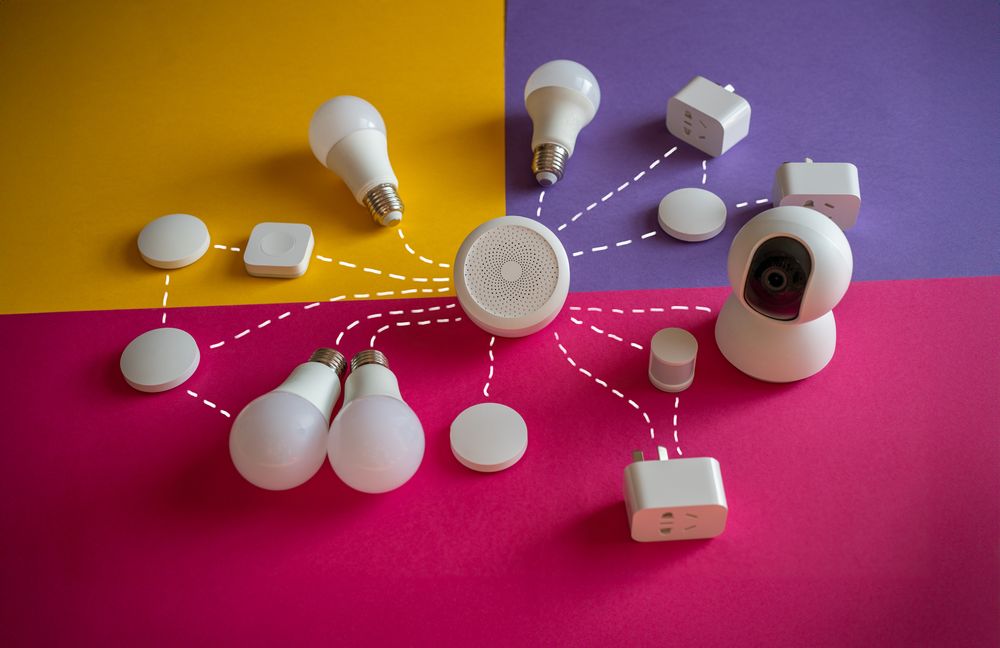
Your camera's "firmware" is its brain; keep it updated. Manufacturers frequently release patches to fix security vulnerabilities. Turn on "Auto-Update" in your app settings to ensure you're always protected without the hassle. Also, don't overlook your router—changing your router's admin password is equally crucial, as a weak network gateway can leave every device in your home exposed.
3. Physical Privacy and Smart Positioning
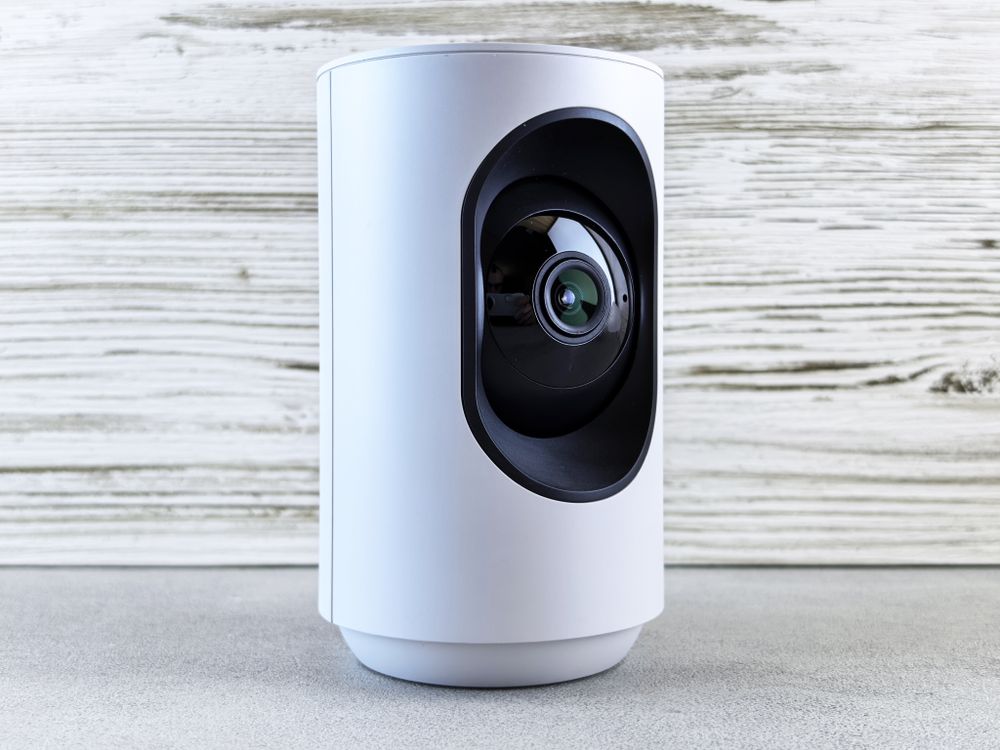
Sometimes the best firewall is physical. Many modern cameras feature a "privacy shutter" that covers the lens. Get in the habit of closing it when you’re home. Additionally, be mindful of your camera's field of view. Avoid pointing it directly at windows where it could be spotted from outside, and take a moment to carefully adjust the angle to minimize unnecessary exposure.
4. Build a Monitoring Habit
Finally, make it a habit to check your "Recent Login History" inside your camera app. If you see logins from times you weren't using the device, change your password and perform a factory reset immediately. If your camera suddenly starts moving on its own or emitting strange sounds, disconnect it from the network and contact the manufacturer right away—it's always better to be safe than sorry.
Security Starts Before You Buy
Good camera security actually begins at the checkout page, not after installation. Even perfect settings can't save a device whose manufacturer has stopped releasing patches. Before you buy, run through this quick list.
- Ongoing update support: Check whether the manufacturer still ships firmware updates and whether the companion app has been updated recently. The "last updated" date in the app store is a telling clue.
- 2FA availability: Between two similar models, pick the one that supports two-factor authentication and login history.
- A physical privacy shutter: A lens cover you can close by hand beats any software toggle.
- A reputable sales channel: With no-name bargain cameras, it's often unclear where your footage travels or who maintains the servers. Stick to official retailers.
Give Your Camera Its Own Network
Most routers offer a guest network feature, and it's perfect for smart home gear. Connect your camera to the guest network instead of the main one your laptop and phone use. That way, even if the camera is ever compromised, the damage is far less likely to spread to devices that hold your personal data. Setup takes minutes: enable the guest network in your router's admin page, give it its own strong password, and reconnect the camera there. While you're at it, disable your router's remote management feature unless you genuinely need to change settings from outside your home.
Don't Let Old Footage Pile Up
Recorded video is the part of camera security people forget. The more footage you keep, the more there is to lose in a breach. Set auto-delete or overwrite cycles short, and only archive clips you actually need as evidence of an incident. Check that clips downloaded to your phone aren't silently syncing to a cloud photo library, because footage outside the camera app is much harder to control. And if your camera records to a memory card, fully format the card before reusing it for anything else.
Be Considerate of Others on Camera
Your camera doesn't just record you. Guests, babysitters, cleaners, and repair technicians all pass through its frame. If someone will be recorded regularly, telling them the camera exists—and what it covers—is both common courtesy and smart dispute prevention. Audio recording tends to feel far more invasive than video, so switch it off unless you truly need it. Rules about recording other people vary by region and situation, so when in doubt, check with a local authority or legal professional.
FAQ
Q. How should family members access the camera?
Use the app's invite or family-sharing feature instead of sharing one login. Fewer shared passwords means fewer leak points.
Q. Can I turn the camera off while I am home?
Use the privacy mode or lens shutter if your model has one. If not, a smart plug on a schedule can cut power during the hours you are in.
Q. Is a second-hand camera safe to use?
Only after a full factory reset and fresh registration to your own account. A camera still tied to the seller's account can stream your home to someone else's app.
Q. How long is footage kept?
Memory cards overwrite oldest footage when full, and cloud plans keep clips for a set number of days. Download anything important as soon as you spot it.