Catch the Power Vampire: How to Stop 'Phantom Energy' From Draining Your Wallet
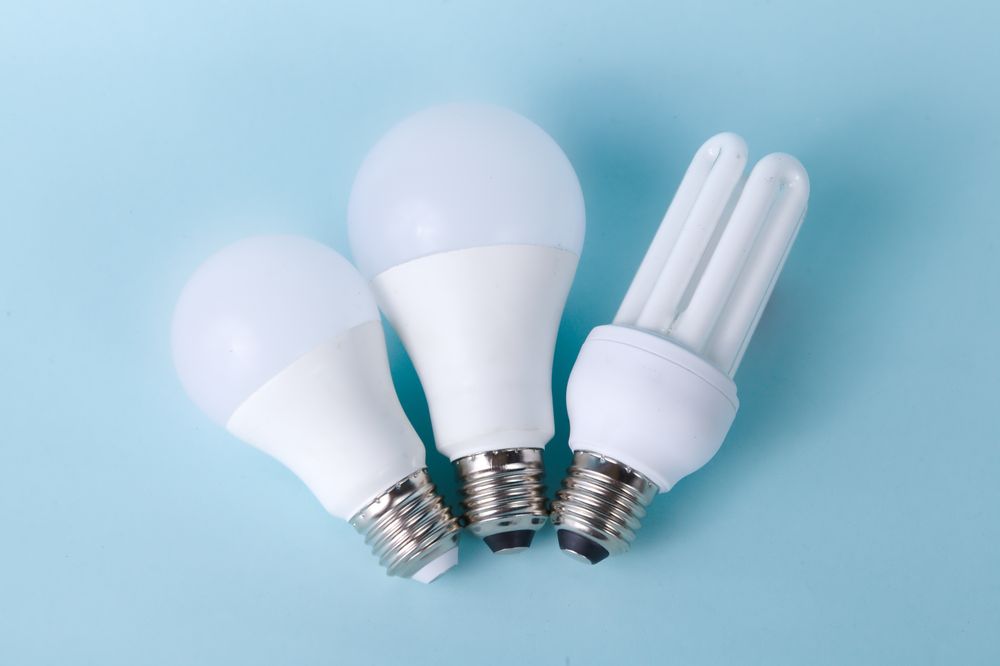
1. Why does your bill go up even when devices are off?
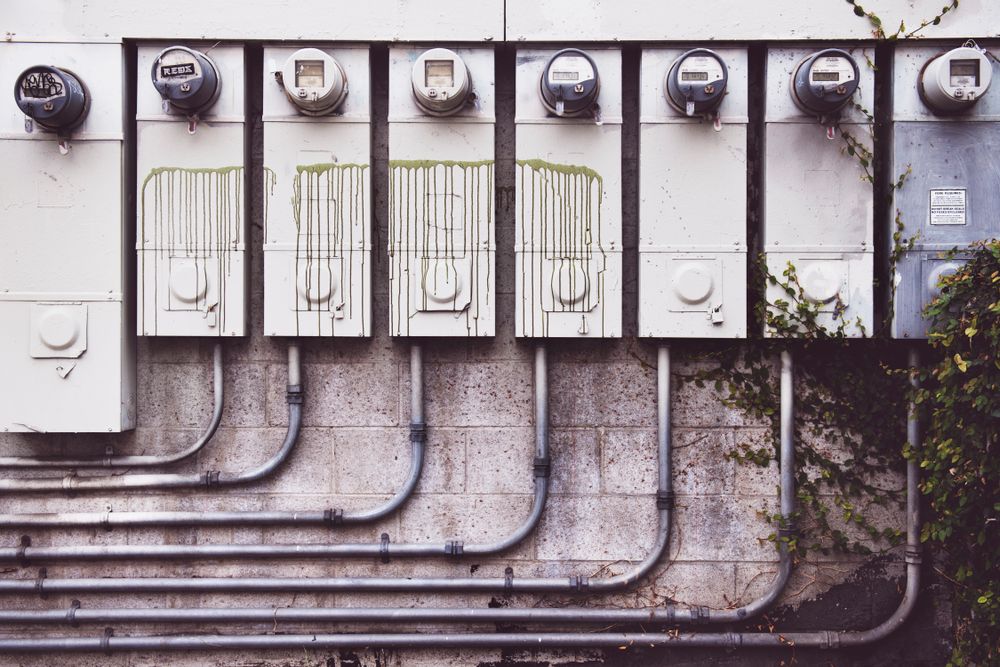
You’ve powered down the TV and shut off the PC, yet your utility bill still makes you wince. The culprit? 'Phantom energy' (or standby power). Many modern appliances stay in a 'ready-to-go' state, sipping power 24/7 just to be prepared for your next command. Think of them as uninvited guests raiding your fridge while you sleep. Simply managing these devices can easily shave 10% off your monthly electric bill.
2. Top 5 'Power-Hungry' Appliances in Your Home
Not all gadgets are created equal. Keep a close eye on these five major power vampires that tend to waste the most energy:
- Set-top boxes: The absolute king of standby power. Leaving these on 24/7 can cost you the price of several meals over the course of a year.
- Air conditioners: Essential in the summer, but unplugging them during the off-season can save you a surprisingly large amount of money.
- Internet routers: Since they run continuously, it pays to check their energy efficiency ratings.
- Microwaves: That digital clock display is a constant energy drain. Unplugging it when not in use is a smart move.
- Desktop PCs: Even when shut down, the motherboard stays powered. Using a switched power strip is non-negotiable.
3. How to Beat Laziness with 'Switched Power Strips'
Tired of crawling under your desk to unplug devices? The solution is simple: individual switch power strips. Organize your gear into zones—like a TV zone or a PC zone—and manage them with a single hub. When you're heading out or hitting the sack, just flip the switch. It’s a small investment of a few dollars that yields consistent monthly savings. That’s what I call easy financial hacking!
4. Simple Settings Changes for Big Impact
Dig into your device settings to find 'Eco' or 'Power-saving' modes. Dimming your TV brightness just a notch can significantly lower power consumption. Try to stick to cold-water cycles for laundry, and keep your fridge about 70% full to ensure optimal airflow and cooling efficiency. Small habits like these add up to a nice bonus in your pocket by the end of the year.
5. The Era of 'Smart Savings' with Smart Plugs
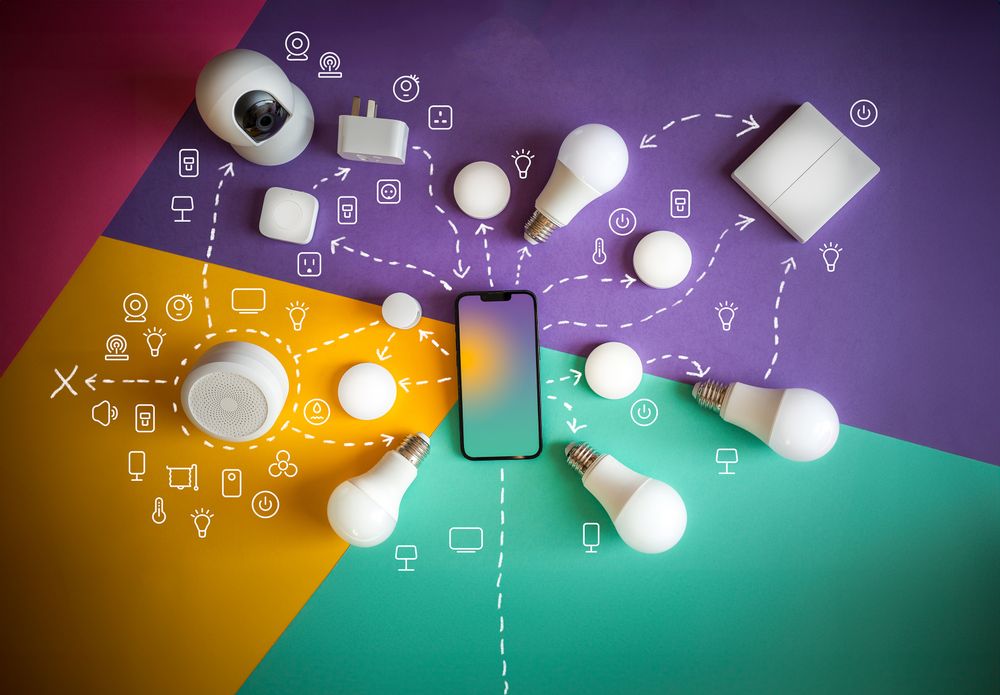
Smart homes are the new standard for a reason. With a smart plug, you can automate your power usage to shut down during sleep hours or when you're away. Even if you forget to turn something off, your smartphone app has your back. While there is a slight upfront cost, the long-term energy savings are well worth it. Start your 'smart saving' journey today!
FAQ
Q. Can smart plugs automate all this?
Yes — they cut standby power on a schedule and measure consumption at the same time. One on the TV and set-top box group, timed for bedtime, saves without any daily effort.
Q. How many devices can share one power strip?
Stay within the strip's rated capacity. Plugging several high-draw appliances like heaters into one strip is a fire risk, not just an efficiency issue.
Q. Sleep mode or full shutdown for my PC?
Sleep for short breaks, shutdown for hours away. Even off, the motherboard sips standby power, so flipping the power strip switch is the true zero.
Q. I thought set-top boxes should never be turned off.
You can turn them off; the cost is a slow reboot. Enabling the box's own auto-standby mode is the compromise — less standby draw without the boot wait.