Does Charging Your Phone Overnight Actually Ruin the Battery? Myth vs. Fact
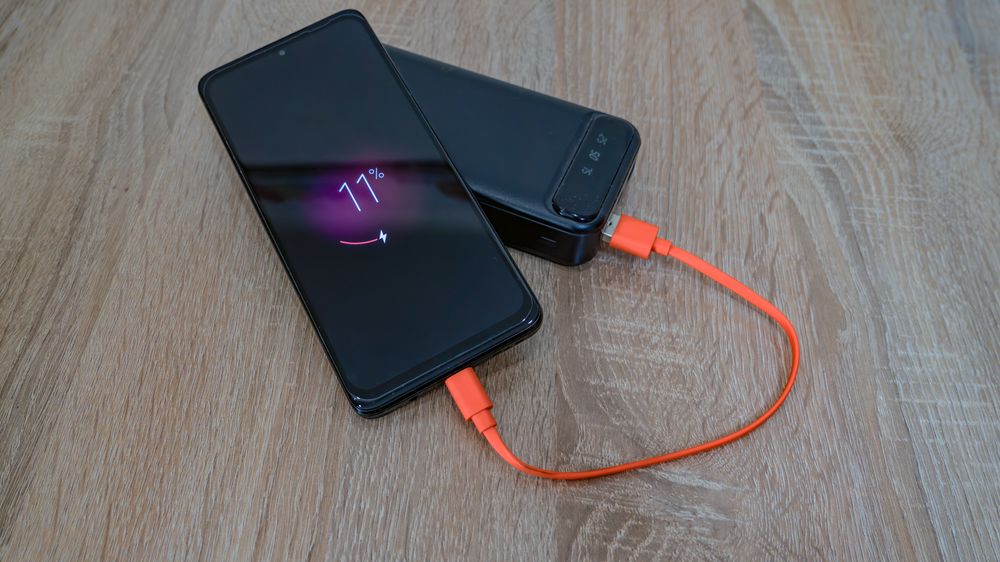
Few tech topics are surrounded by as much misinformation, old wives' tales, and outdated advice as smartphone batteries. "Leaving it plugged in overnight will ruin it," "You have to let it drain completely before charging"... Some of these were true for older battery tech, while others are just plain wrong today. Let's look at how modern lithium-ion batteries actually work and separate fact from fiction.
Fact #1: Your battery loves the "sweet spot"
Lithium-ion batteries absolutely hate being at extreme states of charge—namely, 0% and 100%. Keeping a battery completely empty or completely full puts physical stress on its internal components. This is where the famous "20-80% rule" comes from: the habit of plugging your phone in before it drops below 20% and unplugging it before it hits 100%. While you don't need to obsess over this, the science behind it is entirely solid.
Myth #1: "Charging overnight will overcharge and destroy your battery"
Modern smartphones are incredibly smart. They feature built-in charge management circuits that completely cut off the current once the battery hits 100%. Overcharging simply doesn't happen on any certified, modern device. However, leaving your phone plugged in overnight does mean it sits at 100% for several hours, which causes minor trickle-charge stress. To combat this, manufacturers introduced a brilliant fix: Apple's "Optimized Battery Charging" and Samsung's "Protect Battery" features. When enabled, your phone will pause charging at 80% overnight and finish the last 20% right before you wake up. Turn this on, and you can charge overnight completely worry-free.
Myth #2: "You should let your battery drain to 0% before charging"
This is a relic of the nickel-cadmium battery era, which suffered from "memory effect." Lithium-ion batteries work in the exact opposite way. Letting a modern battery drain to 0% actually degrades its lifespan significantly faster. If you still have the habit of waiting for your phone to die before plugging it in, it's time to break it today.
Fact #2: The ultimate battery killer is heat
More than any charging habit, high temperatures are what actually destroy your battery's lifespan.
- Leaving your phone in a hot car, charging it under your pillow, or using GPS navigation under direct sunlight are the absolute worst things you can do.
- Playing heavy games while fast-charging creates a double-whammy of heat. If your phone feels hot to the touch, take off the case or give it a break.
- While fast charging is perfectly safe within official specs, it naturally generates more heat. For overnight charging, a standard slow charger is actually gentler on your battery.
How to check your battery health
- iPhone: Go to Settings → Battery → Battery Health & Charging. Check the Maximum Capacity (%). Once this drops below 80%, you'll likely start noticing shorter battery life and should consider a replacement.
- Android (Galaxy): Open the Samsung Members app → Diagnostics → Phone Diagnostics → Battery Status, or check your device's built-in battery health settings.
FAQ
Q. How do I check my battery's health?
iPhones show maximum capacity under battery health settings; Samsung phones report it via diagnostic menus or a service check. If your phone suddenly dies early in the day, look there first.
Q. Does fast charging wear the battery out?
Within official specs, fast charging is managed safely by the phone. Heat is the real enemy — charging in a hot car or under a pillow stresses the battery far more than charge speed.
Q. When is it time to replace the battery?
Around 80% maximum capacity, when a full charge no longer lasts the day. A battery swap is far cheaper than a new phone and feels like one.
Q. Is gaming while charging bad?
It combines charging heat with performance heat — the harshest combo for a battery. If unavoidable, remove the case; otherwise play after charging finishes.