Your Phone Won't Stop Ringing? How to Actually Block Spam Calls and Texts
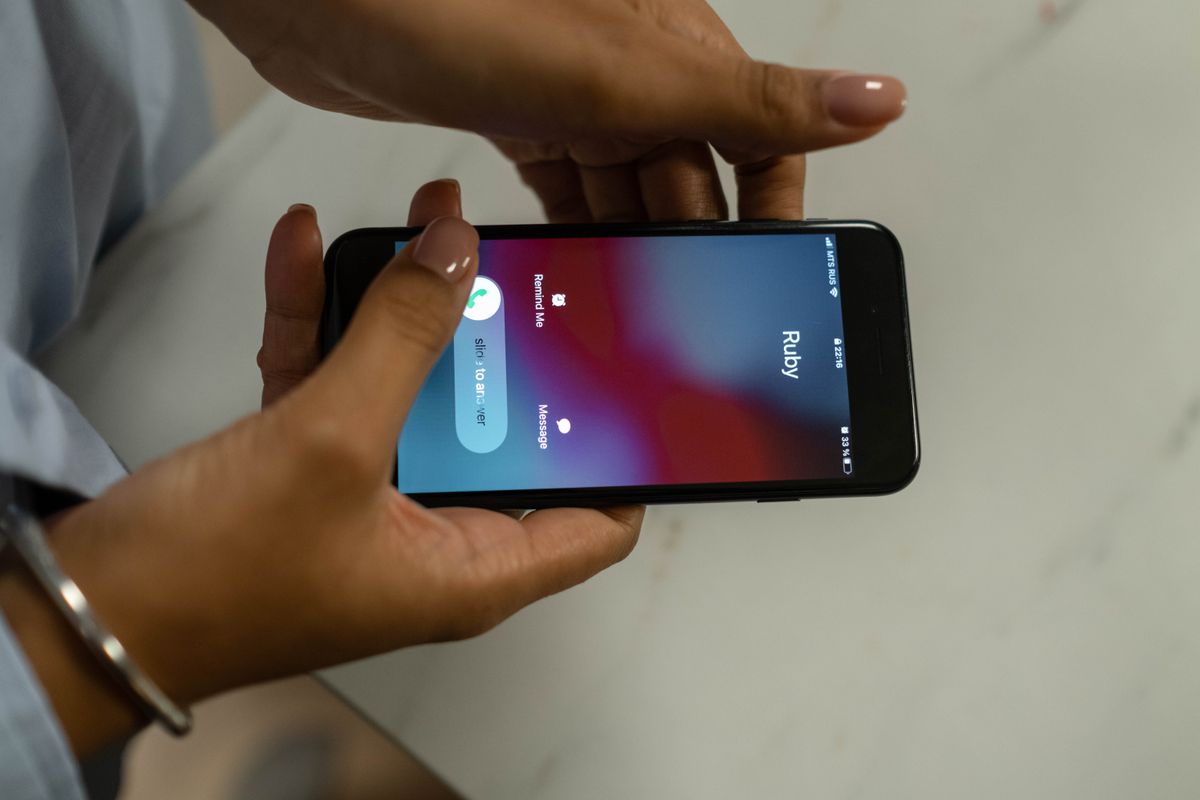
Robocalls, fake delivery texts, "your account has been suspended" — spam has gotten relentless everywhere. The good news: you don't need to buy anything. Layering a few free settings blocks the vast majority of it. Here's the setup, from quickest to most thorough.
Layer 1: your phone's built-in filters (1 minute)
iPhone: Settings → Phone → Silence Unknown Callers. Numbers not in your contacts go straight to voicemail without ringing. For texts, turn on Settings → Messages → Filter Unknown Senders. One caveat: legitimate first-time callers (clinics, deliveries) get silenced too, so toggle it off when you're expecting a call.
Android: open the Phone app → Settings → Caller ID & spam protection and turn on spam blocking. Samsung, Pixel and most major brands ship this built in — suspected spam either gets flagged on screen or never rings at all.
Layer 2: your carrier's free spam service
Most carriers now offer a free spam-blocking service or app that filters calls at the network level, before they ever reach your phone. Check your carrier's app or support page for names like "spam filter," "call protect" or "scam shield" — the free tier is usually all you need. Two minutes of setup, permanent effect.
Layer 3: a caller-ID app
Community-powered caller-ID apps (Truecaller, Hiya, Whoscall and similar) show who's calling based on millions of user reports — so the screen says "suspected telemarketer" before you pick up. One app is enough; grant it call-screening permission and let it work. If you're privacy-conscious, read the data policy first — these apps work by crowdsourcing number reports.
Layer 4: put yourself on the do-not-call list
Many countries run an official do-not-call registry that legitimate businesses must respect — the US, UK, Canada, Australia, Korea and others each have their own. Registering is free and takes minutes. It won't stop criminals (they ignore laws by definition), but it cuts the "legal" telemarketing layer dramatically, which is often half the volume.
Layer 5: report, don't just delete
- Most messaging apps have a "Report spam/junk" option — one tap feeds the number into shared blocklists, protecting everyone.
- Never tap links in unexpected texts, even convincing ones. Delivery issues? Go to the courier's app directly.
- Missed a call from an unfamiliar international number? Don't call back — that's a classic callback-toll scam. Block and move on.
The golden rule
Spammers only need one thing from you: a response. Answering, pressing "press 9 to unsubscribe," or replying "STOP" to a shady text confirms your number is live — and earns you more spam. Filter silently, report quietly, and never engage. Stack the layers above and your phone goes back to ringing only when it matters.
FAQ
Q. Will numbers in my contacts get blocked too?
No. Silencing unknown callers and spam filters leave saved contacts untouched, so your clinic and delivery numbers still ring.
Q. Can I reduce marketing calls at the source?
Korea's do-not-call registry (Do Not Call) blocks registered marketers from calling or texting you. It is free and one registration keeps working.
Q. How do I stop international scam calls?
Carriers offer free add-ons that block international incoming calls. If you never expect calls from abroad, turning that on is the cleanest fix.
Q. Does reporting spam actually help?
Yes. Reports feed carrier and filter databases, improving blocking for everyone. Use the in-message report button or the 118 hotline.