Make Your Laptop Last Years Longer: Heat, Battery and Dust Care That Actually Works
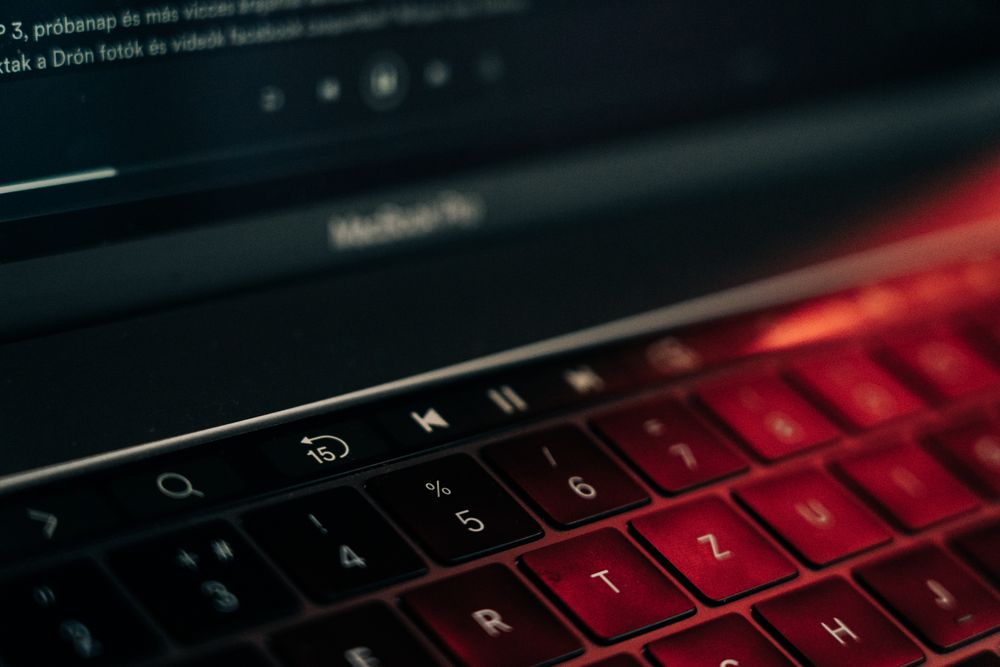
A laptop crams desktop-class parts into a thin sealed case, which makes it far more vulnerable to heat and dust than a tower PC. Almost every "my laptop got slow" story traces back to three culprits: heat, battery wear, and dust. The fixes are habits, not upgrades.
① Why Heat Quietly Eats Your Laptop
When the inside gets hot, the CPU and GPU protect themselves by slowing down. That is thermal throttling, and it is why a machine that felt fast last year now stutters on a video call. Sustained heat also ages the battery itself. Gaming, video edits, and big extractions are the classic heat spikes, so that is when airflow matters most. No software needed to spot trouble: roaring fans and a scorching underside are the warning light.
② Stop Blocking the Vents
The most common mistake is using a laptop on a bed, duvet, lap, or soft sofa. Most laptops pull cool air in through slots on the bottom and push hot air out at the sides or rear. Fabric seals the intake shut, so the machine breathes its own exhaust.
- Use it on a hard, flat surface — a desk, a tray, even a book
- Keep the bottom and side vents clear of hands, papers, and cushions
- During heavy work, lift the rear edge so air can move underneath
- Never leave it in a parked car in summer or in direct sun
③ Are Cooling Pads Worth It?
If you game or render on a hot-running laptop, a fan-equipped cooling pad helps — but placement decides everything. The pad's fans must sit under your actual intake grilles, so find your vents before ordering. For browsing and video, a passive riser that opens a gap underneath is plenty.
④ Lithium-Ion Batteries: What Actually Helps
Batteries are consumables, and capacity fades as charge cycles pile up. What you control is how fast it fades.
- Skip both extremes — draining to 0% and sitting at 100% for days. The 20-80% band is gentler
- Draining flat then leaving it in a drawer for weeks is the worst habit of all
- Storing it for months? Charge to about 50% and keep it cool and dry
- Heat is the battery's real enemy — avoid charging while it is still scorching
Most laptop makers now offer a battery protection or charge-limit setting that stops charging at a ceiling instead of topping off to 100%. If your laptop lives plugged in at a desk, switch it on. Names vary, so look in the battery section of your settings or the maker's utility app.
⑤ Dust — The Hidden Cause of Throttling
Over months, dust packs into the vents, fins, and fan blades until airflow drops and the fan howls at every task. The outside can look spotless while the inside is felted with grey fluff; pet and carpet homes clog far faster.
- Power off completely and unplug the charger first
- Use compressed air in short bursts from outside the vents, can upright
- Do not blast the fan directly — over-spinning it can damage the bearing
- Opening the panel or reapplying thermal paste can void a warranty — leave that to an authorized service center
⑥ Software Habits Cut Heat Too
Every unnecessary background process is heat and battery drain you are paying for.
- Prune apps that launch at boot — on Windows, Task Manager has a Startup apps list
- Leave room on the drive. An SSD crammed to the last few percent slows down
- Match the power mode to the moment: battery-saver unplugged, performance on the wall
- Keep the OS and drivers current — thermal tuning ships in those updates
⑦ Handling: Small Slips, Big Bills
Impact and liquid kill a laptop in one second rather than over years. Keep drinks away from the keyboard — a sealed bottle on the floor beats an open mug by the trackpad. Carry it in a padded sleeve and lift it by the base. Before closing the lid, check for earbuds or a pen on the keys — thin panels crack. Wipe the screen with a soft dry cloth, and never force the hinge past its natural stop.
⑧ The Short Version You Can Start Today
Hard surface, vents clear. The 20-80% band with a charge limit switched on. Compressed air every few months. A trimmed startup list. Together they can be the difference between year three and year six. This is general guidance — for battery settings, internal cleaning, or anything under warranty, check your maker's documentation or an authorized service center first.
FAQ
Q. Is it bad to leave my laptop plugged in all the time?
Modern laptops run off the adapter once the battery is full, so overcharging is not the danger people imagine. What ages the cell is sitting at 100% for long stretches, especially while the machine is warm. If your model offers a charge-limit or battery-protection option, turning it on is the easiest fix; if it does not, unplugging for part of the day helps.
Q. Should I fully drain the battery before recharging it?
That advice belongs to the nickel batteries of decades ago. Lithium-ion cells prefer shallow, partial top-ups, and deep discharges add stress rather than relieving it. An occasional full cycle is sometimes suggested to re-calibrate a percentage readout that has drifted — not to extend the cell's life.
Q. How often should I clean the dust out of my laptop?
There is no fixed schedule, because your environment decides it. A home with pets, carpet, or smoke can clog the vents in a matter of months, while a tidy desk may go far longer without trouble. Let rising fan noise and a hotter case be your signal instead of the calendar.
Q. Is it worth replacing the battery instead of buying a new laptop?
If the machine still performs fine and only the runtime has collapsed, a battery replacement is usually much cheaper than a new laptop, so ask an authorized service center for a quote first. One exception matters: if the case starts to bulge or the trackpad lifts, stop using the laptop and have it inspected right away, as that can indicate a swollen battery.