Power Up Your Phone: The Ultimate Guide to Lithium-Ion Battery Health
Understanding the Root Causes of Battery Aging
Let's face it: our smartphone batteries are consumables. As the core component of our devices, lithium-ion batteries inherently degrade over time due to their chemical nature. This isn't just wear and tear; it's a fascinating chemical process. The internal electrolyte slowly changes, and the medium transporting lithium ions between the anode and cathode ages. This leads to the thickening of the Solid Electrolyte Interphase (SEI) layer on the electrode surfaces, physically impeding the movement of lithium ions. Most manufacturers guarantee that after approximately 500 full charge-discharge cycles under normal usage, a battery's capacity will drop below 80% of its initial performance. This is typically when you'll start noticing a significant drop in perceived performance and that dreaded "battery drain" feeling.
The primary culprits accelerating battery aging are internal pressure and chemical stress. Specifically, maintaining a 100% charge for extended periods (often called 'overcharging') or letting your battery drain completely to 0% ('deep discharge') puts undue strain on the battery's internal structure by causing excessive fluctuations in lithium ion movement. A common mistake many of us make is plugging our phone in before bed and leaving it charging until morning. Even after reaching 100%, a tiny trickle of current continues to flow, which can generate gas within the battery cells and lead to swelling – definitely something we want to avoid!
The Sweet Spot: Why Charge Range Management is Key
Want to significantly extend your battery's lifespan? Aim to keep its charge level between 20% and 80%. Lithium-ion batteries become chemically unstable at both very low and very high voltage levels. Think of the 50% mark as the battery's happy place, where it maintains the most stable chemical voltage.
Letting your battery dip below 20% can cause a sharp drop in the potential difference of internal cells, leading to voltage degradation and potential damage to internal circuits. Conversely, continuously supplying power beyond 100% results in something called 'trickle charging,' where tiny currents generate unnecessary heat. Modern smartphone operating systems often include 'Optimized Charging' features (or similar names). These intelligent systems learn your sleep patterns, charging your phone to 80% and holding it there until just before you typically wake up, then topping off the final 20%. Activating this feature dramatically reduces the time your phone spends at a full charge, offering a major boost to battery longevity.
👉 Pro Tip: For optimal chemical stability, strive to keep your battery charge between 20% and 80%.
Keep Your Cool: Temperature is Everything
Your battery is incredibly sensitive to temperature. The ideal operating environment is between 15°C and 35°C (59°F to 95°F). Step outside this range, and you'll see an immediate drop in performance efficiency. Especially in freezing temperatures, the electrolyte's viscosity increases, drastically reducing lithium-ion mobility. This can lead to your battery percentage wildly fluctuating or your device unexpectedly shutting down.
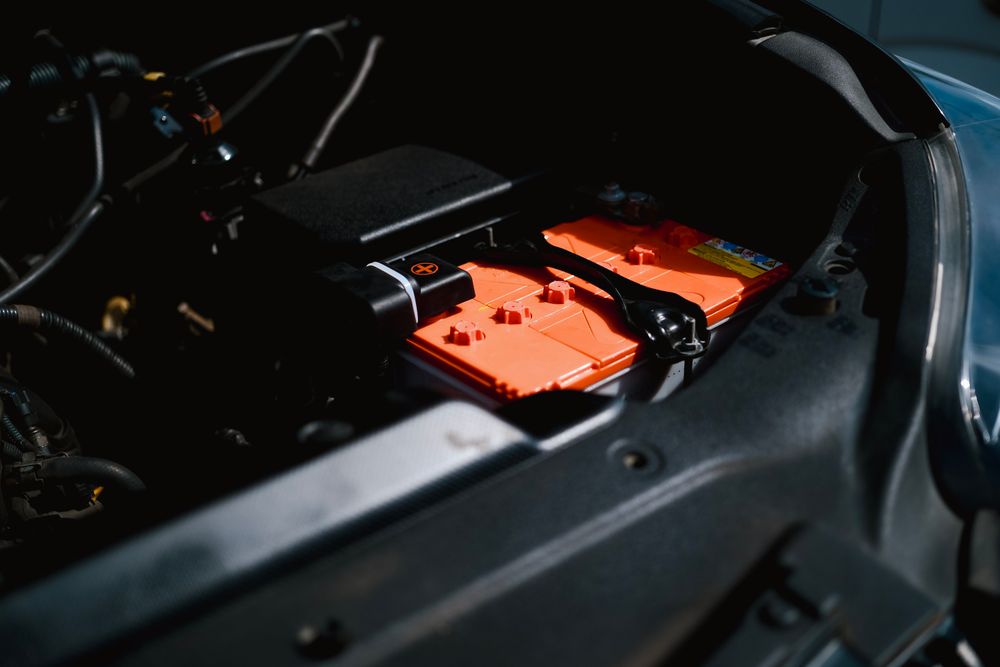
On the flip side, extreme heat is equally, if not more, damaging. Leaving your device in a car under direct summer sunlight or the heat generated during intense gaming sessions and 4K video recording can be fatal for your battery. If internal temperatures exceed 40°C (104°F), the battery's internal separator degrades, not only increasing fire risk but also irreversibly shortening its lifespan. Whenever possible, avoid demanding tasks while charging. If your smartphone feels hot, immediately remove its case to help dissipate heat. Thick leather or silicone cases can trap heat, so developing the habit of removing your case in high-temperature environments is a crucial strategy for slowing down battery aging.
The Undeniable Case for Genuine Chargers
Modern smartphones utilize advanced fast-charging standards like USB-PD (Power Delivery). Your device and charger engage in a real-time "handshaking" process, exchanging information to determine the optimal current flow. Genuine or certified brand chargers boast extremely low voltage ripple, minimizing stress on the battery's protection circuit. In contrast, cheap, unbranded cables or old, worn-out chargers can have unstable voltage, leading to momentary overcurrents that inflict cumulative damage on your Battery Management System (BMS).
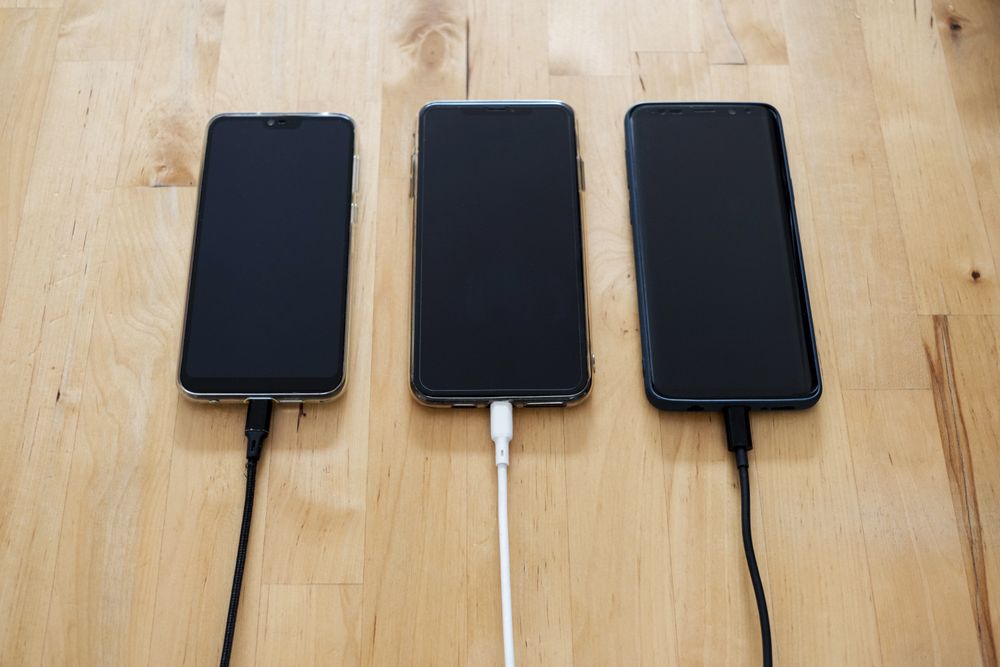
A common misconception is that a higher wattage adapter is always better, leading people to use chargers that exceed their device's specifications. Fortunately, most modern smartphones have built-in current regulation. However, cheaper devices might lack robust protection features. Sticking to a charger that matches the appropriate output specifications listed in your device's manual is the safest and most efficient approach for managing battery longevity.
Long-Term Storage: The Right Way to Hibernate Your Device
If you're planning to put a device away for a while, perhaps in a drawer, leaving it completely drained is the riskiest thing you can do. Allowing it to sit at 0% can lead to 'deep discharge,' where the battery's internal voltage drops below a critical threshold. In such cases, the protection circuit can become inactive, rendering the battery unchargeable – effectively "bricking" your device.
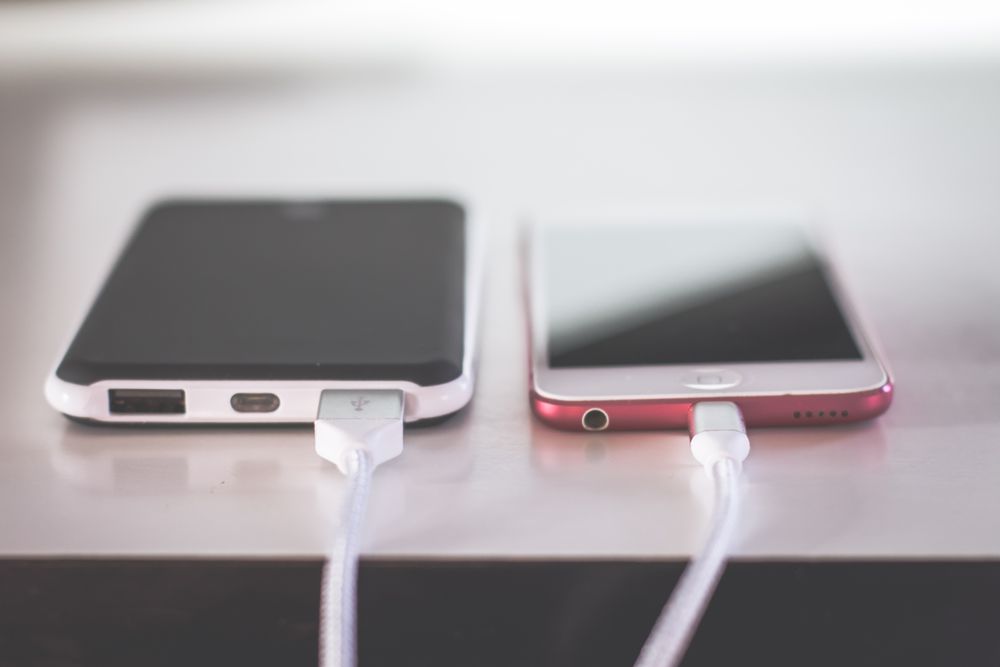
Conversely, storing it at a full charge is also a no-go. At 100%, the battery's internal chemical activity is at its peak. Leaving it in this state for an extended period can lead to electrolyte degradation and increased internal resistance. Therefore, the most ideal state for long-term device storage is around 50% charge. Store it in a cool, low-humidity environment, and make it a habit to power it on roughly every three months to check the charge level and readjust it to around 50% if needed.
Monitor Your Battery Health & Optimize with Software
Regularly check your battery's maximum capacity (often called 'Battery Health' or 'Maximum Capacity') in your device's settings menu. If this figure drops below 80%, it indicates significant physical degradation that can't be fixed by software optimization alone. At this point, your device might activate 'performance management features' to intentionally throttle performance, so consider a battery replacement for a smoother user experience.
Additionally, small habits can make a big difference. Closing unnecessary background apps or setting your screen brightness to auto-mode can indirectly slow down battery drain. Double-check that 'Optimized Battery Charging' (or its equivalent) is enabled in your smartphone settings. Finally, make it a habit to keep your operating system updated, as manufacturers frequently release updates that include improved battery management logic.
👉 Quick Reminder: For long-term storage, keep your device in a cool place and check its charge level every three months, aiming for around 50%.