How to Choose a PC Power Supply: The Essential 5-Point Checklist
When building a new PC, most people obsess over processor benchmarks or GPU frame rates while treating the power supply (PSU) as a mere line item to cut costs. Many users are hyper-sensitive about CPU clock speeds or monitor refresh rates, yet completely overlook the PSU—the system's lifeblood—until something goes wrong.
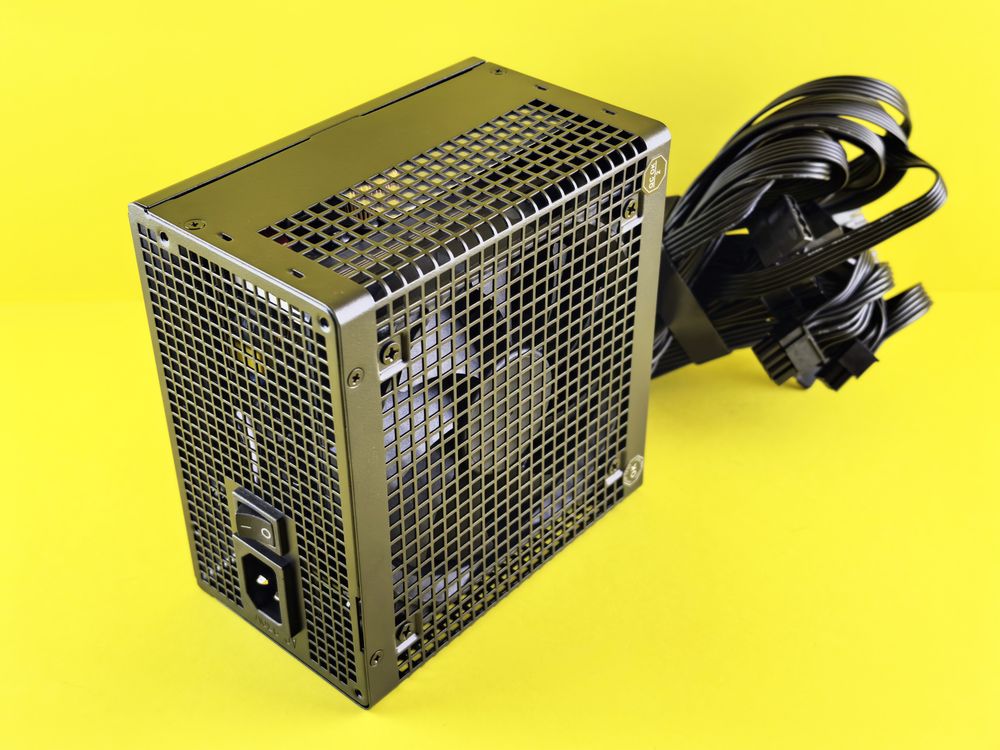
Think of your PSU as the heart of your computer. It’s not just a power brick; it's a critical component directly tied to the longevity of every other part in your machine. We’ve all heard horror stories about cheap PSUs causing voltage spikes that fry motherboards or corrupt precious data on SSDs and HDDs. To keep your hardware safe, let's break down exactly what you need to look for.
Understanding Capacity and Efficiency Ratings
Don’t just rely on the TDP (Thermal Design Power) listed on your component boxes. CPUs and GPUs often experience 'transient spikes'—short bursts where they demand significantly more power than their rated specs. Modern NVIDIA GPUs, for example, can briefly jump to 2-3 times their normal power draw. If your PSU can't handle these spikes, the protection circuits will trip, causing sudden shutdowns or even component damage. The golden rule? Aim for the combined draw of your CPU and GPU, plus a 150-200W buffer, or roughly 30% overhead for safety.
The 80PLUS efficiency rating is a great indicator of how much energy is wasted as heat. Higher efficiency means lower electricity bills and less heat stress on internal components. Check out the breakdown below:
| Certification | Efficiency Meaning |
|---|---|
| Standard | Baseline efficiency of 80% |
| Bronze/Silver | A balance of value and power management |
| Gold and above | Premium components for quieter, efficient operation |
⚠️ Pro Tip: PSUs are most efficient—and coolest—at about 50% load. If your system draws 500W during gaming, a 750W-850W unit will run quieter and last longer than a 600W unit working at full capacity. Also, beware of 'fake' 80PLUS certifications on budget units; always verify the model on the official manufacturer website.
Modern Standards and Internal Components
If you're buying a high-end GPU, prioritize ATX 3.0 or 3.1 compatibility. These standards include the 12V-2x6 connector, which offers much more stable power delivery than legacy 8-pin adapters and helps prevent connectivity issues.
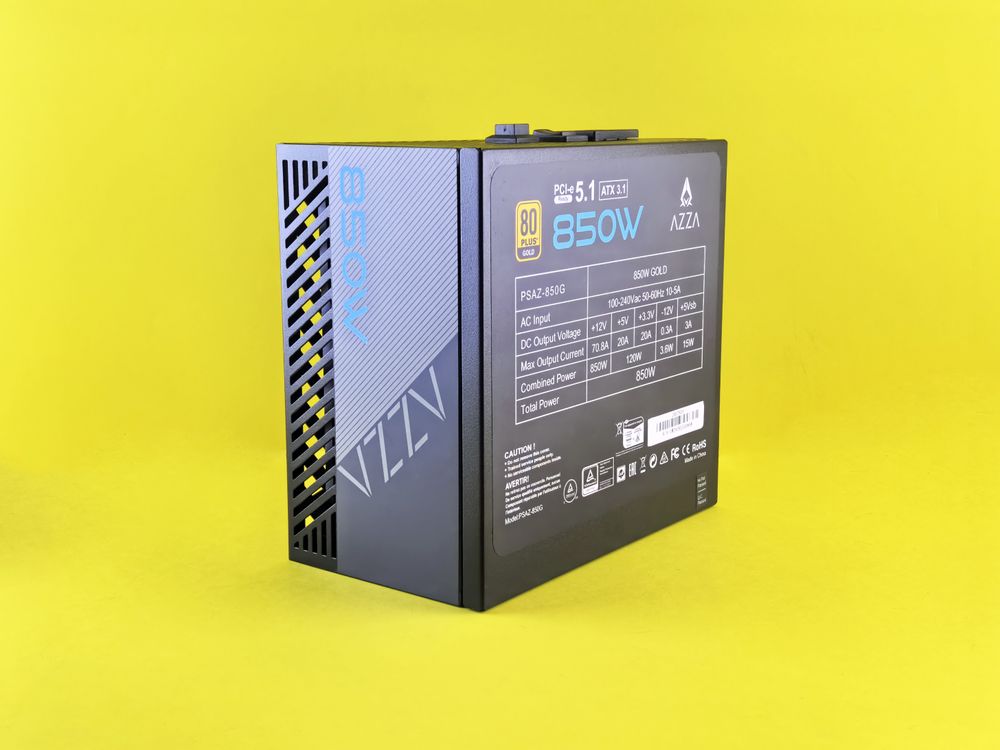
Check the internal capacitors as well—look for those rated for 105℃. Budget units often use 85℃ capacitors, which degrade much faster in the heat of summer. Ensure your PSU includes multiple protection circuits (OVP, OCP, SCP, OPP) and features 'Zero RPM' mode if you want a silent PC during light tasks.
Cable Management and Warranty
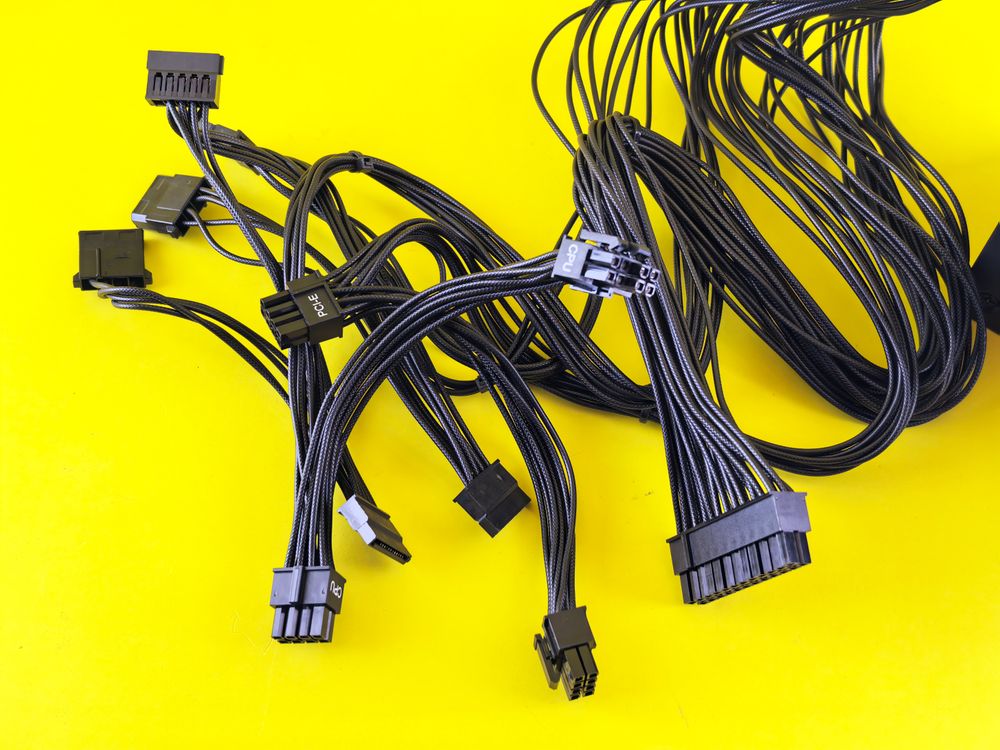
Beyond performance, cable management matters. A Full Modular design lets you connect only the cables you need, drastically improving airflow inside your case. Finally, look at the warranty. A 7 to 10-year warranty isn't just about protection; it's a mark of confidence from the manufacturer in their build quality.
The Final 5-Point Checklist
Before you hit checkout, confirm these five things:
- Does it have enough capacity for total draw + a 30% margin?
- Is it 80PLUS Gold certified or higher?
- Is it built to the modern ATX 3.1 standard?
- Does it offer at least a 7-year warranty?
- Does it use high-quality Japanese capacitors (e.g., Nichicon, Nippon Chemi-Con)?
Stability is non-negotiable. Don't let a cheap power supply put your expensive GPU at risk. Investing in a reliable PSU is the smartest first step to building a PC that stands the test of time.