5 Essential Desk Setup Hacks to Supercharge Your Remote Productivity
1. Master Your Posture and Chair Setup
Working from home often leads to lazy habits like hunching over the sofa or kitchen table. But if your body isn't supported, your focus will suffer. Start by adjusting your chair so your feet rest flat on the floor. Aim for a 90-degree angle at your knees, and keep your elbows level with your desk to relieve shoulder tension. Avoid crossing your legs to prevent pelvic misalignment—start by sitting deep in your chair with your back fully supported.
2. Optimize Monitor Height and Sightlines
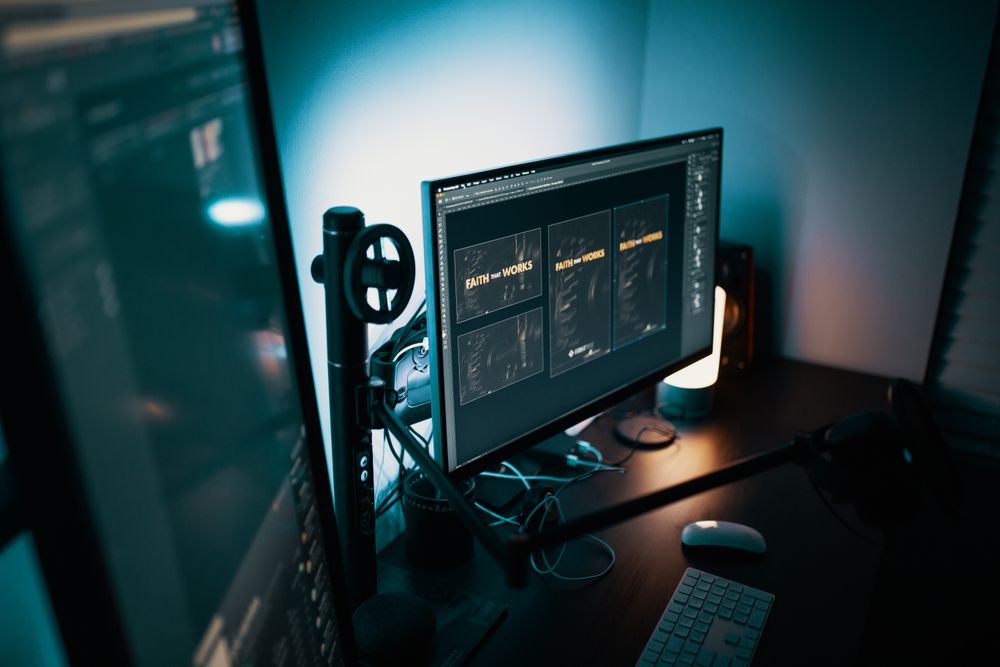
Neck pain is often the result of a screen that's too low. If you’re constantly looking down, you’re putting unnecessary strain on your neck muscles. Adjust your monitor so the top third of the screen is at eye level. If you don't have a monitor arm, a stack of books works perfectly as a riser. For optimal eye comfort, keep the screen about 50–70cm away—roughly the distance of your outstretched arm.
3. Give Your Lower Back Some Love
Gaps between your back and the chair often lead to slouching. To prevent this, use a small cushion or lumbar pillow to support the natural S-curve of your spine. Keep your backrest at a 100 to 110-degree angle rather than leaning too far back; this keeps your core engaged and your posture upright. Make sure you’re actually utilizing your chair’s features to cradle your spine.
4. Master Lighting and Humidity
Staring at a bright screen in a dark room is a recipe for eye strain. Keep the ambient lighting in your room balanced, and consider using bias lighting behind your monitor to reduce glare and contrast fatigue. Position your desk away from windows to avoid reflections, and keep the room's humidity between 40% and 60% to prevent dry eyes and skin during long work sessions.
5. Incorporate Movement Breaks
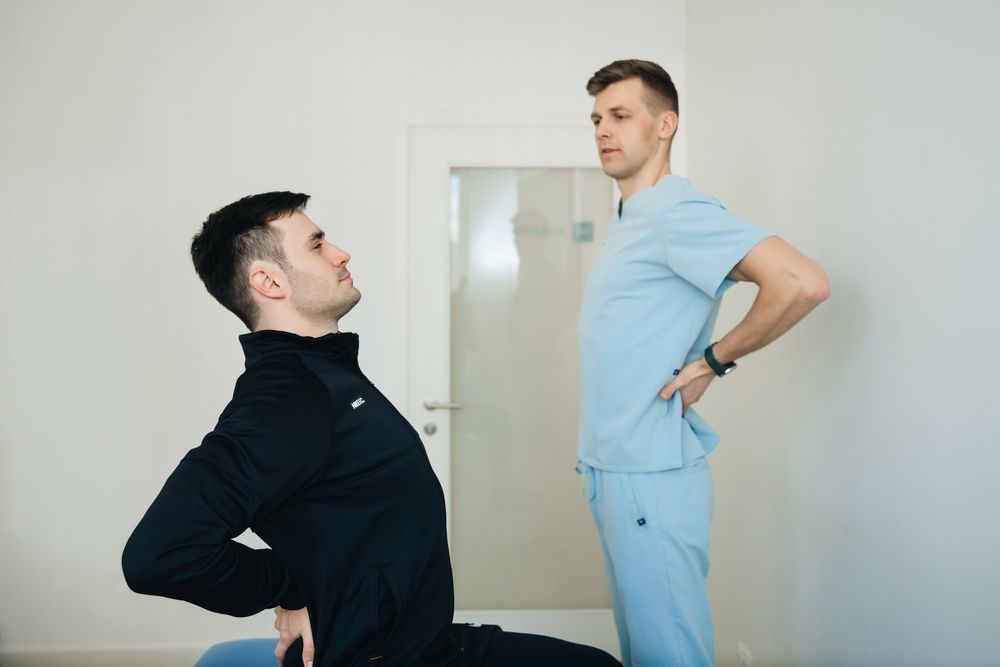
Even the best ergonomic setup can’t compensate for total inactivity. Set a timer to move every hour. Whether it's a big overhead stretch, rotating your wrists, or circling your ankles, these micro-movements get your blood flowing. Releasing physical tension throughout the day is one of the most effective ways to sustain high-level productivity for the long haul.