Mastering the Art of Budget Wireless: The Ultimate Guide to Saving Big with MVNOs
1. 'Are MVNOs actually slower?' Fact check: The network is the same
Tired of cringing every time your monthly $100 phone bill arrives? If you've been hesitant to switch to a budget carrier (MVNO) for fear of spotty service, it's time to let that worry go. MVNOs don't build their own towers; they lease the existing infrastructure from the major carriers. In short, the 'digital highway' you're driving on is exactly the same as the one used by the big guys. The reason it’s cheaper is simple: they’ve cut the 'fluff'—no expensive retail stores, massive ad budgets, or bloated membership perks. You get the exact same signal and speed for a fraction of the cost. It’s not just a budget choice; it’s a smart one.
2. Designing your perfect 'Unlimited' plan
Don't just hunt for the cheapest price; look at your actual data habits. MVNOs offer a massive range of plans tailored to specific usage patterns:
- Light User: If you’re almost always on Wi-Fi, a 5-10GB plan (usually around $5) is all you need.
- Balanced Unlimited: Look for plans that offer 'throttled' unlimited data (1-3Mbps) after your main data limit. At 3Mbps, you can still stream YouTube at 720p without any noticeable lag.
- Power User: Opt for a 'Daily 2GB + 3Mbps' plan. You'll save $20-$30 a month compared to the big carriers while still gaming and streaming to your heart's content.
3. The 'Carrier Hopper' strategy and pro credit card hacks
The real pros keep their phone bills near zero by using the 'Hopping Strategy.' MVNOs often offer massive promotional discounts for the first 6-7 months to lure new customers. Because there are no long-term contracts, savvy users simply switch to the next best promo as soon as their discount period ends. Pair this with a dedicated MVNO co-branded credit card, and you can earn an extra $10-$20 in monthly discounts, potentially bringing your bill down to essentially free.
4. Physical SIM vs. eSIM: DIY setup in under 10 minutes
Forget standing in line at a retail store. Everything is done online, and setup takes just minutes.
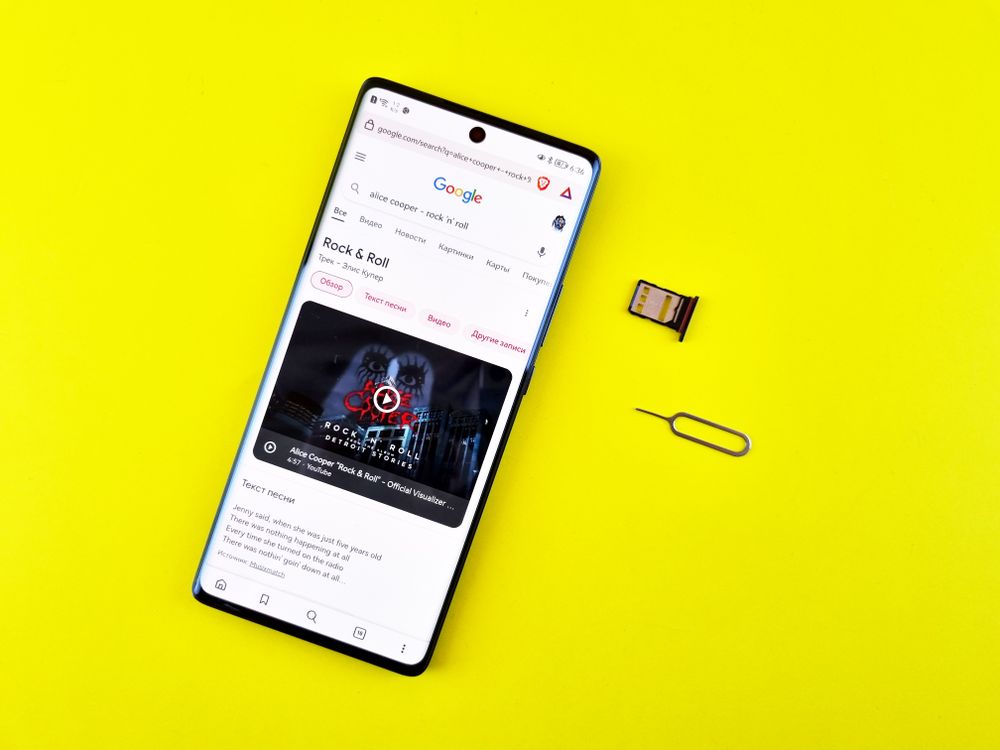
- Physical SIM: Buy a SIM card at a convenience store, register it on the provider's website, pop it in, and restart your phone twice. You’re done!
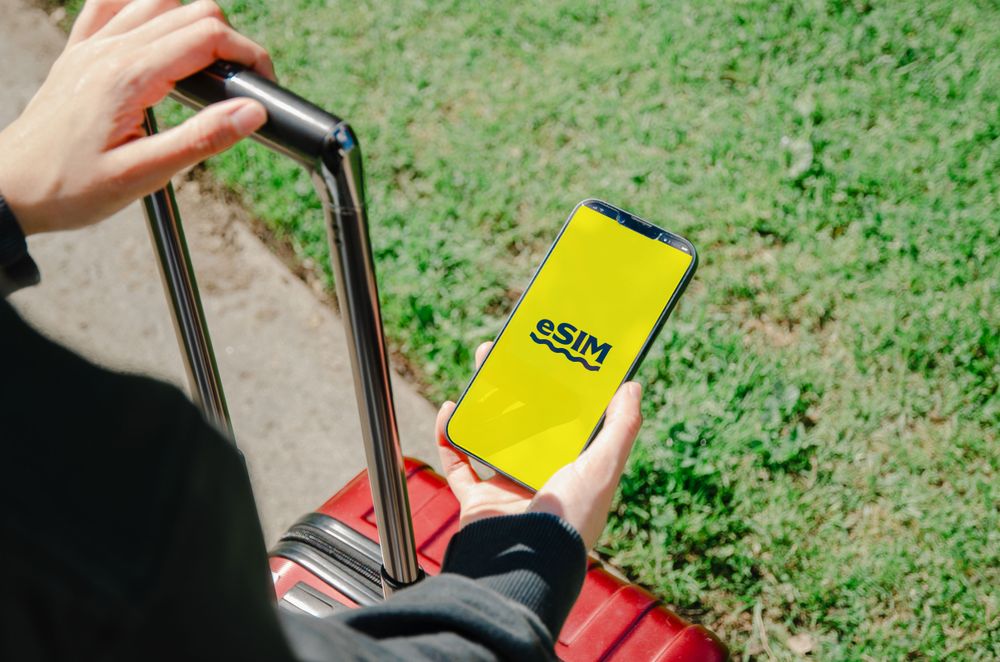
- eSIM: If you have a modern device (iPhone XS, Galaxy S23 or newer), it’s even easier. Scan a QR code, and you're activated instantly—no physical card required.
Worried about customer service? Stick with major subsidiary brands (like KT M-Mobile or SK7 Mobile) or look for providers with active KakaoTalk support. Use comparison sites like 'MVNO Hub' or 'ModuPlan' to filter through thousands of options and find your perfect match in under a minute. Start saving today!
FAQ
Q. How long does switching take?
With a SIM in hand, online activation usually completes the same day. Your old line cuts over automatically at activation, so there is no service gap.
Q. Will phone verification and payments still work?
Phone-based identity verification works normally on MVNOs. A few niche services differ by operator, so check anything mission-critical before porting.
Q. What if leaving breaks my family bundle discount?
Run the numbers for the whole household including internet and TV bundle discounts. Sometimes moving only some lines to an MVNO while keeping the bundle is the sweet spot.
Q. Is customer service really that limited?
MVNOs run lean, online-first support, which is the trade-off for the price. Most tasks are self-service in the app; if you rely on phone support, that is a genuine downside to weigh.