Smishing and Voice Phishing: How to Spot the Scam and What to Do If You Fall for It
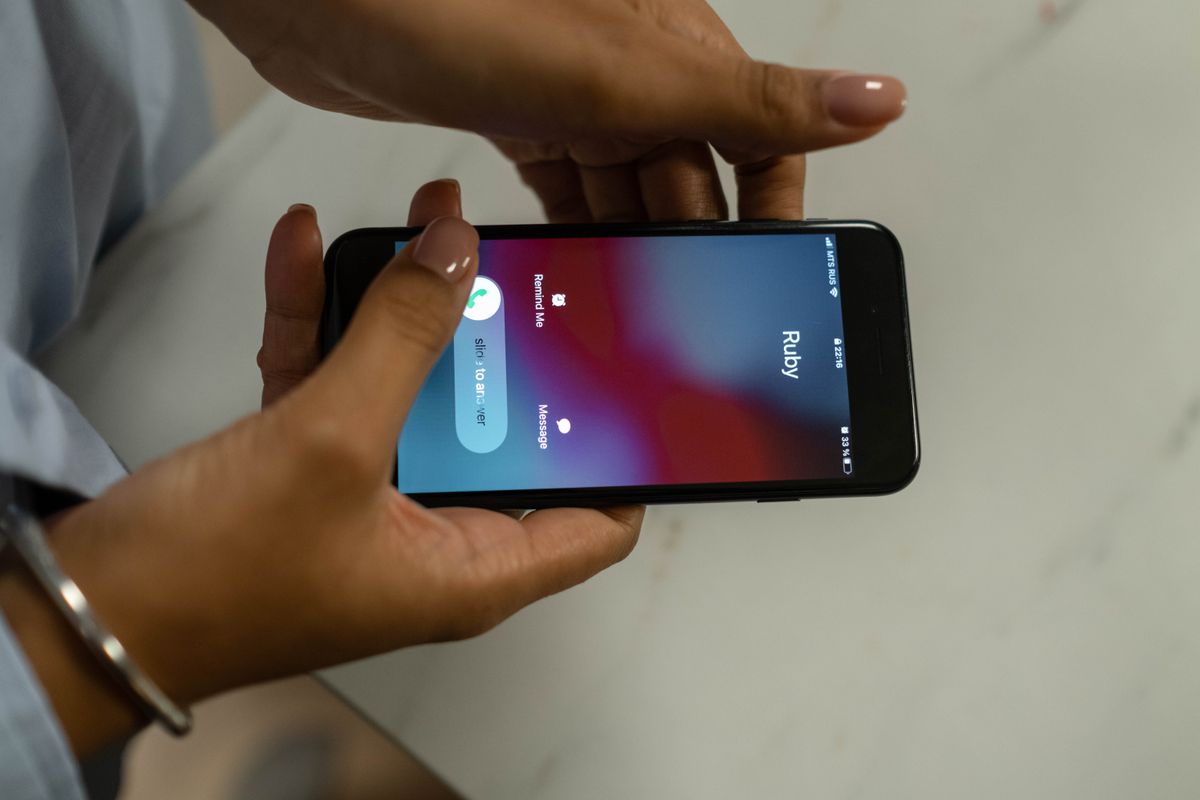
"Your parcel could not be delivered." "An unpaid fine is due." You know the half second of doubt, then the thumb hovering over the link. These scams have gotten good, and being technical does not make you immune.
The whole defence fits in one sentence: never open a link you were sent, and never trust the number that called you.
① Two Halves of One Attack
Smishing is phishing by text. A believable story gets you to tap a link, which installs an app from outside the official store or lands you on a login page copied from your bank.
Voice phishing, or vishing, is the same job by phone: a police officer, a bank investigator, your own child on a broken phone. Today they arrive together - the text plants the app, the call finishes it while the app reads your codes.
② The Five Baits You Will Actually Receive
Scammers reuse whatever works, so the menu is short. All five want the same thing, your thumb on that link, and no real institution collects details or pushes an app by text.
- Delivery problems - wrong address, unpaid customs fee.
- Invitations and funeral notices - seemingly from someone you know.
- Health notices - your results are ready, tap to view.
- Fines - a ticket you do not remember, with a deadline built to rush you.
- Refunds - tax, insurance, support payments. Being owed money lowers your guard.
③ Habit One: Reach the Source Yourself
Refuse the shortcut you were handed. Track parcels in the carrier's app, check fines on a portal you found yourself, and ask money questions on the number printed on your card.
Calls work the same way. Hang up, breathe, dial the published main number. Most scams die right there.
④ Habit Two: Never Install an App From a Message
On Android the malicious app is the whole game. Once installed it reads your texts and captures the codes your bank sends.
- Install only from the official store your phone shipped with. A "courier app" sent as a file is an attack.
- Keep the "install unknown apps" permission off. The wording moves between Android versions, so search Settings for "unknown".
- Ask your carrier what spam filtering it offers - most have something.
iPhone users are not exempt: the bait there is a fake login page, or a profile it asks you to install.
⑤ Habit Three: Protect the Number, Not Just the Phone
Leaked details lead to a line opened in your name, or your number stolen in a SIM swap. Whoever holds the number gets your codes.
- Ask your carrier for a port-out PIN or SIM-swap lock. Providers name it differently, so ask what yours is called.
- Move off SMS codes where you can. Authenticator codes live on the device, not on the SIM.
- If your phone loses signal for no reason and stays dead, treat it as an emergency.
⑥ Already Caught? Move in This Order
If you sent money or installed something, speed decides how much you lose. Shame is the scammer's last accomplice, so skip it.
- Call your bank's fraud line, on the number from your card or the official app. Money that has not moved on can sometimes be held, and the odds fall the longer you wait.
- Report it to the police - the emergency line if it is still happening, otherwise the online fraud channel.
- Cut the phone off. Airplane mode, back up photos and documents only, then factory reset. A full app backup can reinstall the malware.
- Change passwords from a clean device, email first, since it is the master key.
- Ask your carrier whether any new line or replacement SIM was issued in your name.
Save these before you need them: your bank's fraud number, your country's police fraud report page, and your carrier's abuse desk.
⑦ The Mistakes That Cost People the Most
- "I will just look." There is no safe peek. The tap is the attack.
- Verifying on the caller's number. The number they offer as proof is theirs too.
- Keeping the secret. "Tell no one, this is an active investigation" is not a real instruction.
- Staying on the call. The script is built to stop you thinking. Hanging up is always allowed.
Short version: do not tap the link, dial the number yourself, and install nothing that arrives in a message. Caught anyway? Bank, police, device - in that order.
This is general information, not legal or financial advice. Tactics and reporting channels change, so check current guidance with your bank and your carrier.
FAQ
Q. I tapped a scam link but did not install anything. Am I in trouble?
A single tap usually does far less damage than installing an app or typing a password, so do not panic. Scan your app list for anything you do not recognise, and check your downloads folder for an installer that arrived on its own. Change the password for any account whose login page you saw, and if you entered card details, call your card issuer.
Q. How can I tell a genuine bank call from an impostor?
You mostly cannot, because caller ID is easy to fake and a good script sounds exactly right. Judge the request instead: real staff do not need your full password, your PIN, or a code they just texted you, and they never ask you to move money to a safe account. Hang up and call back on the number printed on your card.
Q. Someone is texting me from a new number saying they are my child. How do I check?
Call the number you already have saved for them, even if the message says that phone is broken. If they answer, the new number is a scam. A familiar voice is not proof either, now that voice cloning tools exist, so ask something only the real person could answer.
Q. Can I get my money back after sending it to a scammer?
It depends on the payment method, your provider, and how fast you report it, so nothing is guaranteed. Bank transfers are the hardest to reverse, while card payments sometimes have a dispute route, which is why the first call goes to your bank. Ask what options exist for the method you used, and keep any reference number you are given.