Master Your Finances: The Ultimate Guide to Budgeting Apps
Why Your Spending Habits Matter
No study can promise you a fixed savings rate, but one thing is certain: you can't cut spending you've never actually looked at. If your bank account feels empty right after payday, it’s likely not a lack of income, but a lack of visibility into where your money is flowing. Forget tedious paper logs; your smartphone is already in your hand—turn it into your personal finance assistant. With the right app, you can easily cut 10-20% of unnecessary spending. Visualizing your daily micro-transactions changes your relationship with money, turning abstract numbers into clear, actionable data.
Step 1: Choose the Right Tool for Your Workflow
The first step is picking an app that matches your personality. Do you prefer 'Automation-heavy' apps that sync with your bank accounts (like YNAB, Credit Karma, or similar local favorites) to track everything automatically? Or do you thrive on 'Manual Input' apps that force you to be mindful of every purchase? Automation is great for busy professionals, while manual tracking is perfect for those who use a lot of cash or need that extra 'friction' to curb impulse buying.
Here is how to tailor your strategy:
- Students & Young Professionals: Focus on separating 'fixed costs' (rent, subscriptions) from 'variable costs' (food, entertainment). Set alerts for when you’re nearing your budget limits.
- Professionals & Couples: Use apps with shared account features to manage a joint household budget. It’s the easiest way to keep both partners on the same page.
- Freelancers & Business Owners: Since income fluctuates, use a 'conservative setting' based on your lowest-earning month of the past year. This builds a safety net for leaner times.
Once you've picked an app, keep your categories simple. Limit yourself to about 10 core buckets (groceries, transport, utilities, self-improvement, etc.). Don't aim for perfection; set your targets based on your spending average from the last three months, then aim to reduce that by 5-10%. Progress is better than perfection.
Step 2: Build a Routine and Analyze the Data
Even with automated apps, manual tweaks for cash or quick digital payments are necessary. Spend just three minutes a day—perhaps on your commute or before bed—to review your daily transactions. Did you stay within your limits today?
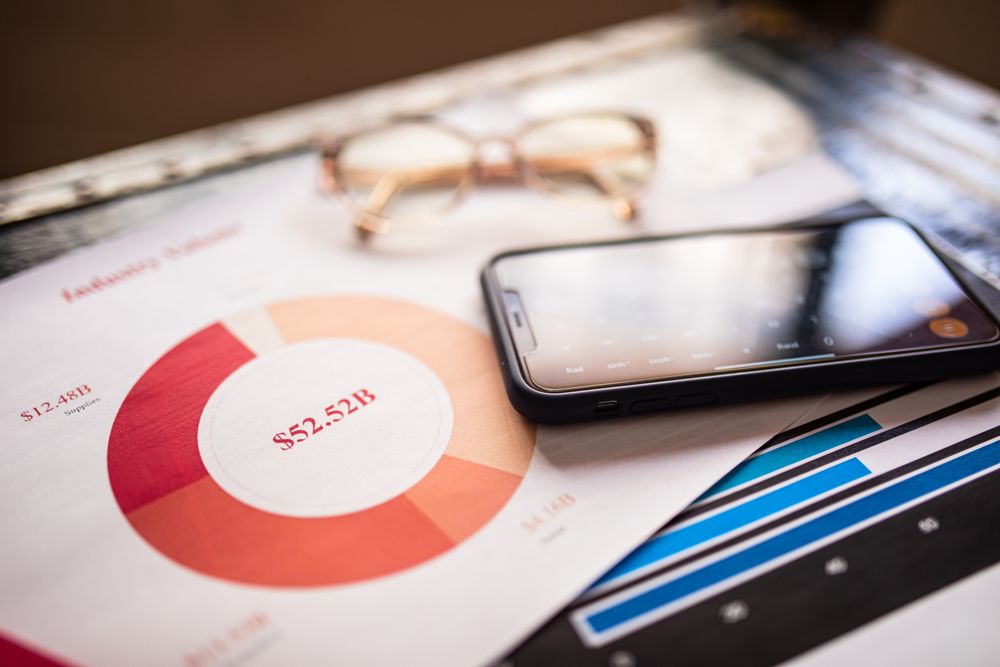
Once you have a month of data, check your report. The goal isn't just to look at the total, but to hunt for 'leaks.' Subscriptions are the biggest offenders—streaming services, memberships, and app fees often go unnoticed. If you realize you're spending way too much on food delivery or daily coffee, use your app to set a hard cap on those specific categories.
Refining Your Budget Through Feedback
Budgeting often fails because people lose momentum. Combat this with a 'Weekly Review' every Sunday evening. If you overspent on food this week, adjust next week’s entertainment budget to balance it out. This feedback loop is what transforms your app from a simple 'data storage' tool into a powerful financial engine. Adjusting your budget based on reality is the best way to level up your financial IQ.
Staying Secure While You Save
Since your budget app is connected to your financial life, security is non-negotiable. Only download apps from official stores (App Store/Google Play). Always enable biometric locks (FaceID/Fingerprint) and avoid checking your accounts over public Wi-Fi. Treat your financial app like your banking app—use 5G/LTE and don't forget to back up your data periodically.
Hitting Your Financial Goals
Once you’ve mastered the habit, set clear goals. Instead of a vague 'I want to save more,' aim for 'I will save $2,000 for an emergency fund by year-end.' Watching your progress bars fill up in your app provides the psychological boost needed to keep going. Reward yourself when you hit a milestone, and remember: consistent app usage is the ultimate partner for a healthy bank account.