Smart Habits to Extend Your Wireless Earbud Battery Life
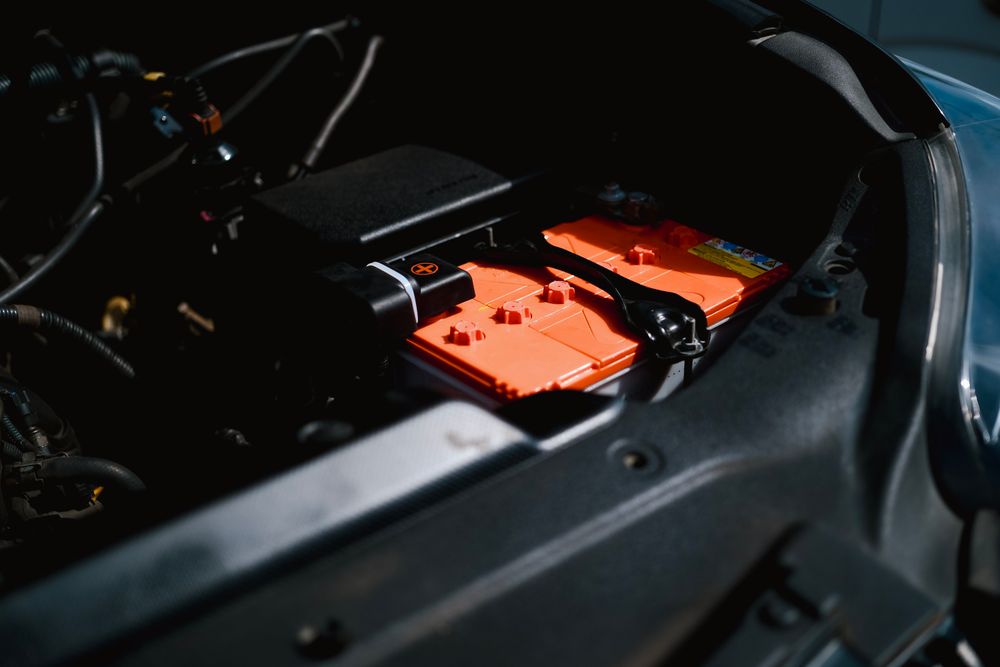
Is draining your battery to 0% actually good for it?
To keep your wireless earbuds going strong, it’s better to charge them in short bursts rather than waiting for them to die completely. Most modern devices use lithium-ion batteries, which can become chemically unstable and degrade if fully drained. While the old "memory effect" myth suggested draining nickel-cadmium batteries to 0%, that advice doesn't apply to modern tech.
Ideally, you should keep your charge between 20% and 80%. Letting it hit 0% puts the battery cells under unnecessary stress, which can restrict ion flow and drastically reduce total capacity. Lithium-ion batteries are most "stressed" at 0% or 100%; they are chemically happiest at around 50%.
👉 If you want to keep your battery healthy, don't hesitate to top it off. Charging 10-20% at a time doesn't "waste" your charge cycles; it actually keeps the ions active and prevents the battery from sitting at high-voltage stress levels for too long.
What should you keep in mind when charging?
It's convenient to use your smartphone's high-speed charger for your earbuds, but the earbuds' small batteries may struggle with the higher voltage. While modern charging cases usually have Power Management Integrated Circuits (PMIC) to regulate this, cheaper or older models might overheat due to excessive current.
Whenever possible, stick to a PC USB port or a low-power adapter (typically 5V/0.5A to 1A). Where you store them matters, too. Leaving your earbuds in a hot car or in direct sunlight is a major battery killer. Electrolytes are extremely heat-sensitive; once the temperature climbs above 30°C (86°F), your battery will start to lose charge much faster and may suffer internal damage. Always keep them cool.
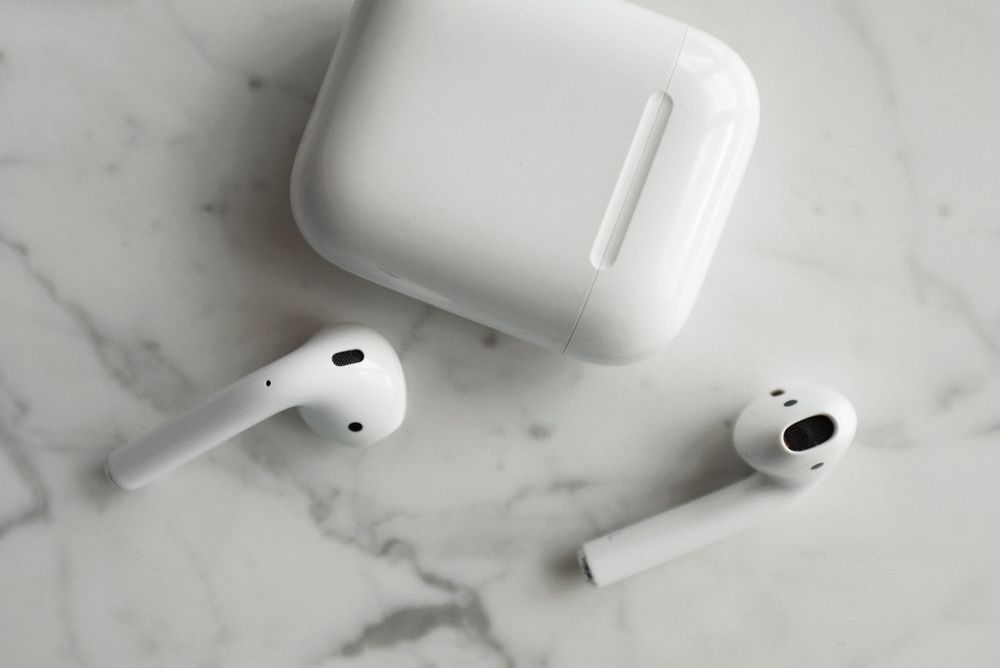
Is it okay to leave them in the case 24/7?
Avoid leaving your earbuds in their case and plugged into a power source indefinitely. When the case is constantly plugged in, it performs "trickle charging," keeping the earbuds at 100% capacity. This constant voltage stress can cause the battery's cathode to oxidize, permanently reducing capacity.
Unplug the case once or twice a week to let it drain naturally. This cycle helps keep the ions inside the battery evenly distributed. Think of it as giving your battery a break. If you aren't planning to use your earbuds for a few days, take them out of the case to prevent constant background power drain.
How to store them for the long term
If you're putting your earbuds away for a while, never store them at 100%. Maintaining a high voltage state for a long time increases internal resistance and degrades performance. Conversely, don't leave them at 0%, or they might enter a "deep discharge" state where the protection circuit trips, potentially leaving the device dead forever.
The sweet spot is around 50%. Store them in a cool, dry place—adding a silica gel packet can help prevent humidity-related corrosion. Checking on them once a month is enough to keep them in peak condition. 50% is the perfect balance for chemical stability and longevity.
Pro-tips to prevent performance drops
One common mistake? Ignoring dust. Dirt buildup on charging pins increases contact resistance, which leads to inefficient charging and, worse, overheating. Simply wipe the contacts with a cotton swab and a bit of rubbing alcohol to keep charging efficient.
Also, don't leave Bluetooth connected while the buds are in the case. If the phone is still pinging the earbuds, they’ll keep consuming power. For the best results, disconnect or toggle off Bluetooth before putting them away.
What if the battery drains unexpectedly?
Battery aging is inevitable, but if one earbud drains faster than the other, it might just be the "primary" unit doing more of the heavy lifting (like using the microphone for calls). Try to balance usage by rotating which earbud you use for calls, or check if your device settings allow you to swap the primary role between buds.
Sometimes, it’s just a firmware glitch. If you notice a sudden drop in performance after an update, try a factory reset and re-pair them. While you can't stop time, these small habits will definitely delay the day you need to replace them. Why not start giving your earbuds a better "lifestyle" today?